Gaea 3.0 is now in Early Access!
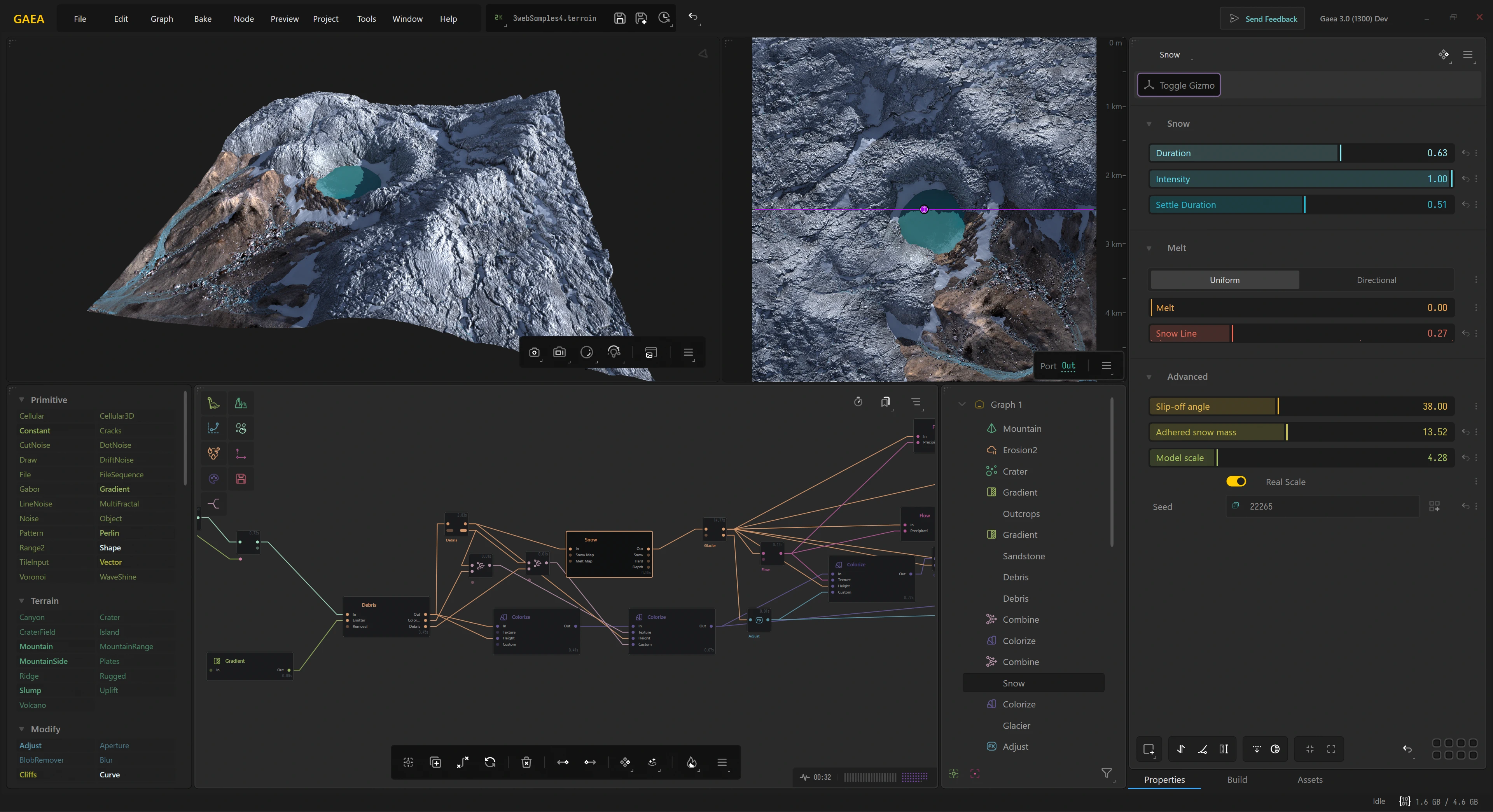
Gaea 3.0 is available for all Early Access Customers who pre-ordered during CyberWeek 2025. This Early Access Preview features a new customizable user interface, a custom viewport with new visual aids, several new nodes and simulations including Dunes, and many other tools and facilities.
A Public Beta will be available closer to release, which is estimated to be in October 2026.
Pre-Order Gaea 3.0
Order Gaea 2.0 today and get Gaea 3.0 for free upon official release.
Gaea 2.0 will be retired once Gaea 3.0 is released. Now is a great opportunity to get both versions for the price of one!
Terrains
- New Primitives
-
We’re adding several new primitives for shapes and scenarios we haven’t shown before.

- New Surfaces
-
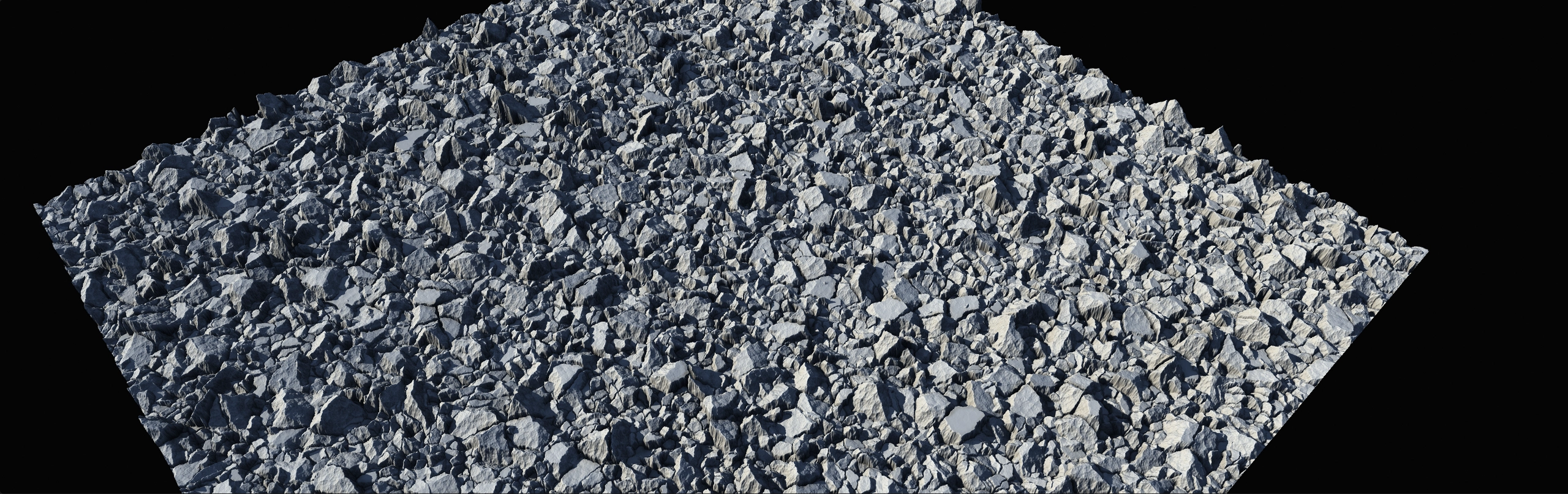
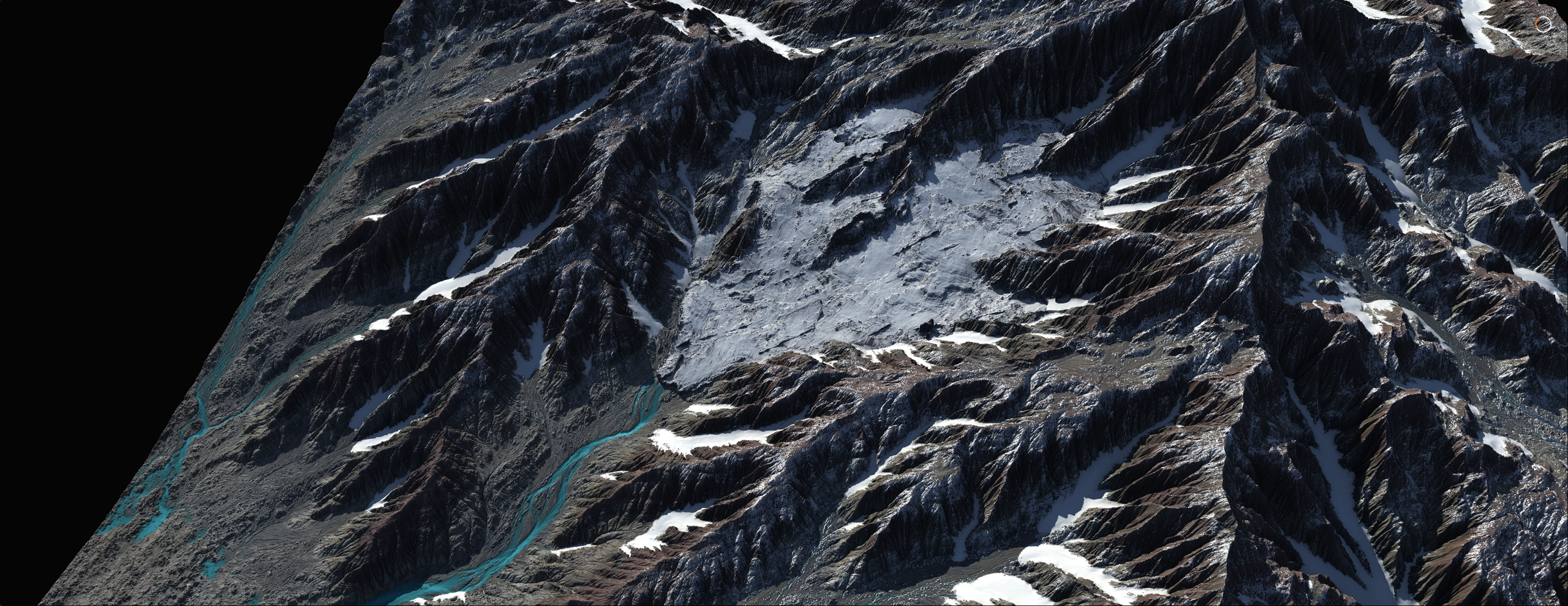
Expanded Surface nodes will give you even deeper control over non-sedimentary terrains, along with new natural effects such as meltwater streams.
- Vector Tools
-
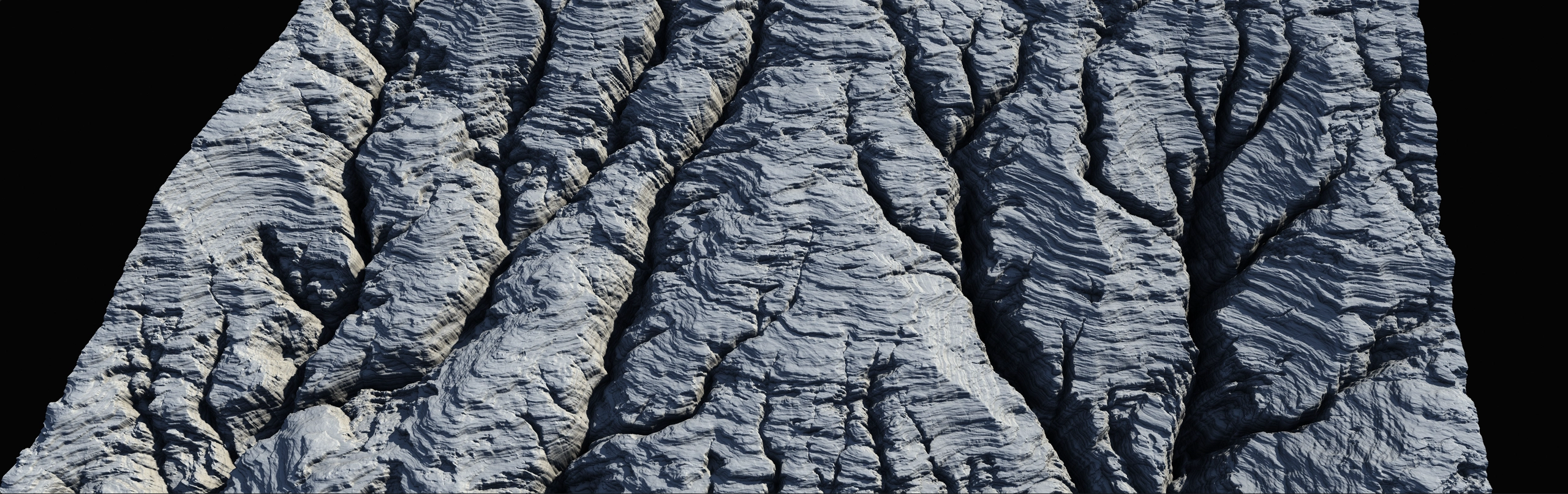
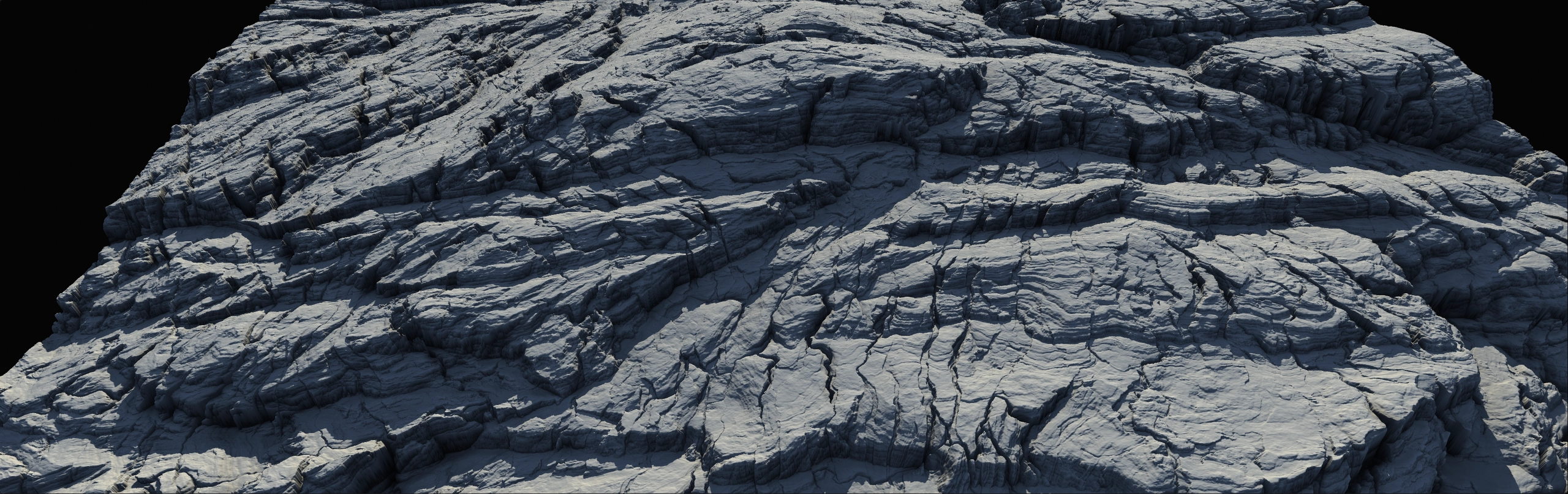
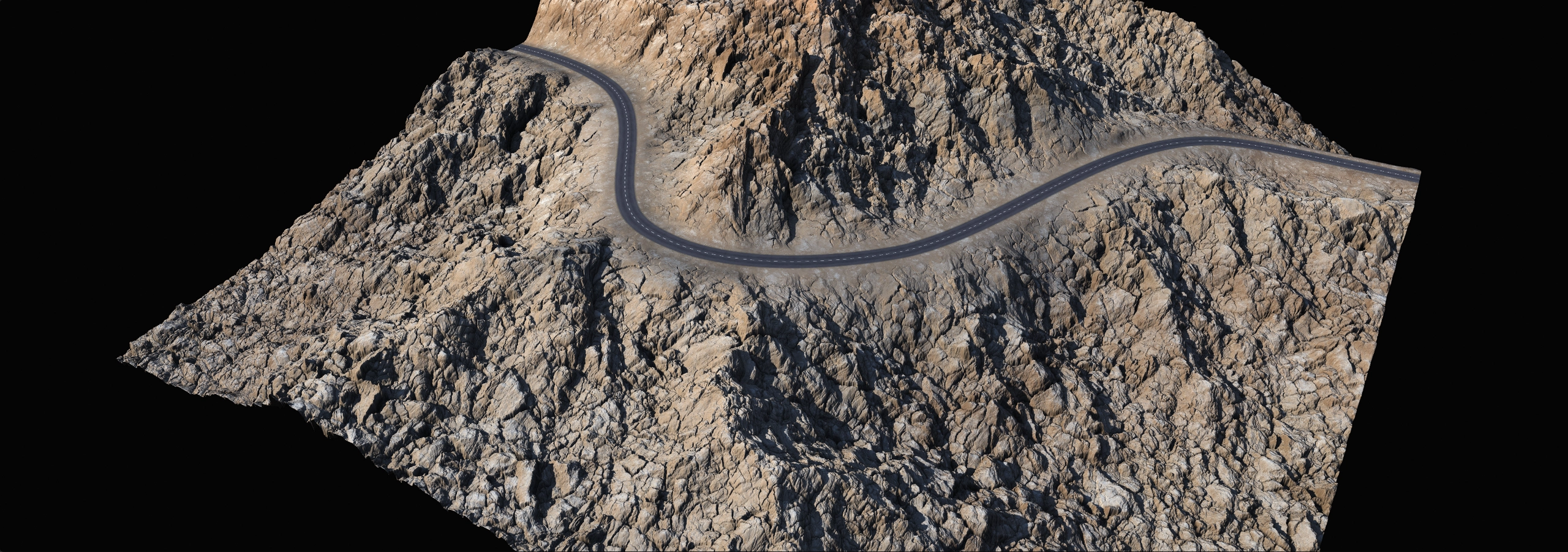
The long awaited Vector Tools are finally here. You will be able to draw shapes with precision, use rich envelope creation tools for crafting terrains, and even draw natural elements such as rivers, lakes, as well as man-made objects such as roads.
- Draw Tools 3.0
-
We know that the ability to draw precise shapes and masks is essential to many artists’ workflows. In Gaea 3, we have revamped the entire drawing system to make it more flexible, capable, and intuitive.
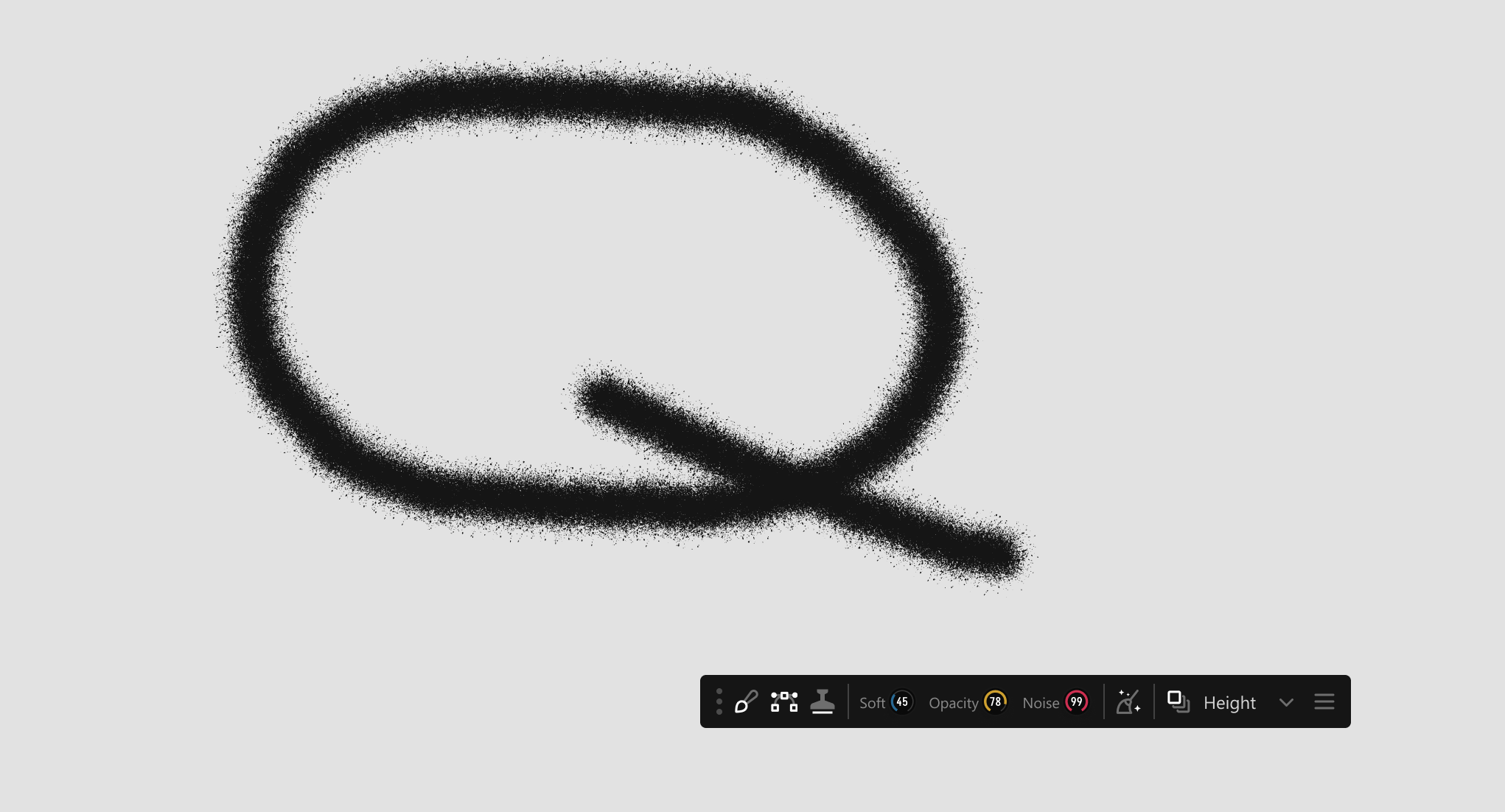
The new system lets you combine vector and brush-based drawing modes, giving you finer control over your edits. You can also toggle a transparent Reference Overlay image to help guide your work.
- World Space
-
Your terrains are no longer restricted to a single square. You can craft worlds that encompass huge regions where you can zoom out, move around, and fully explore the world you’re creating.
A new array of nodes will be introduced to help you build infinite worlds.
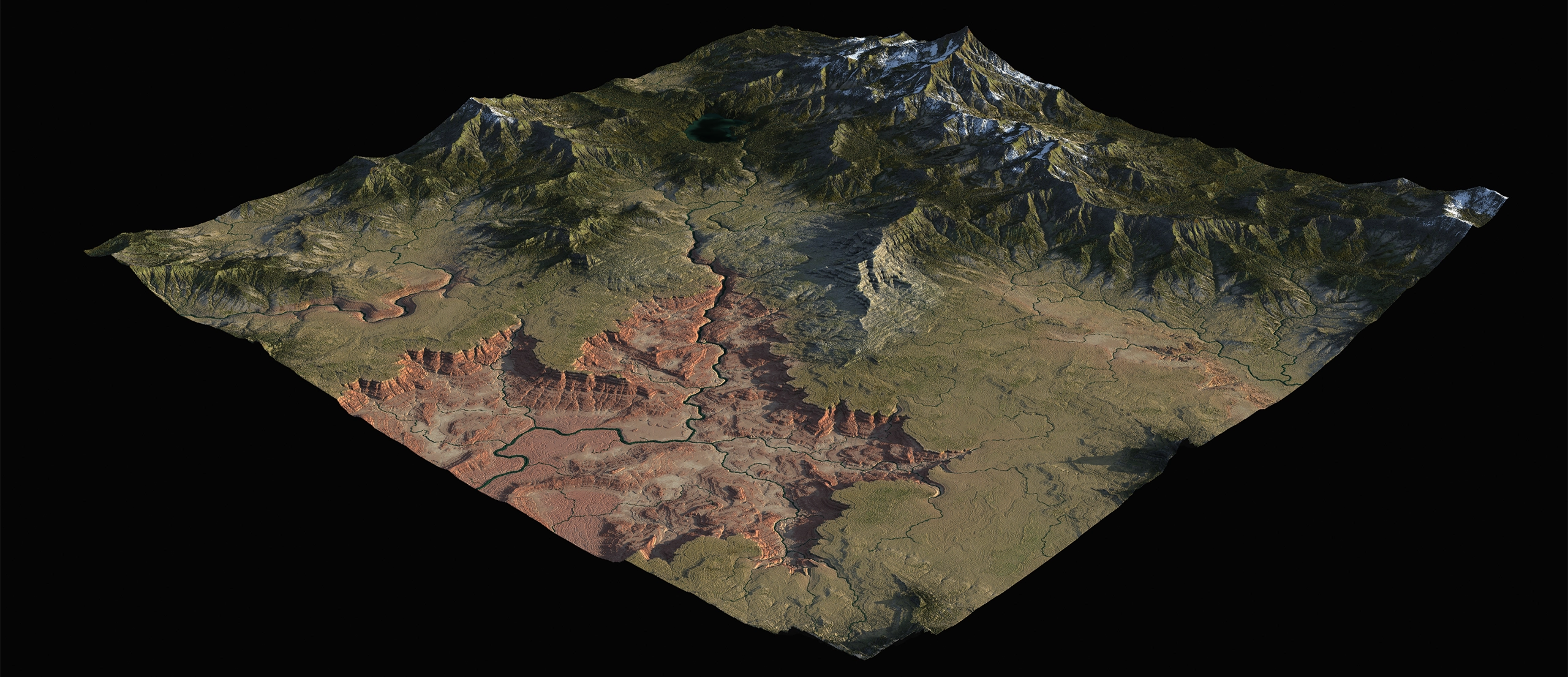
For building more expansive worlds, several crucial nodes in Gaea have been reworked to address "world space", and new world-space friendly nodes have been added.
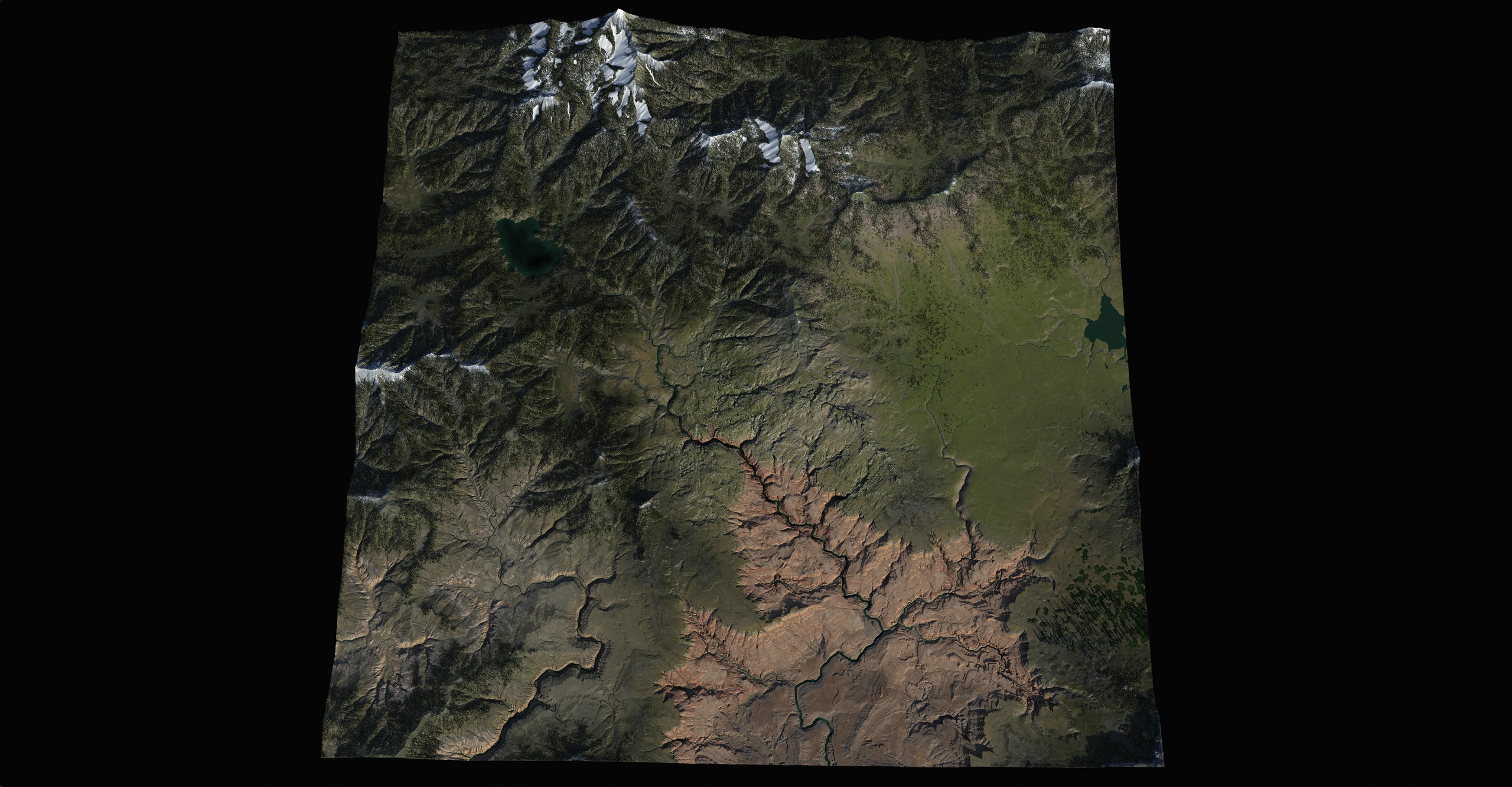
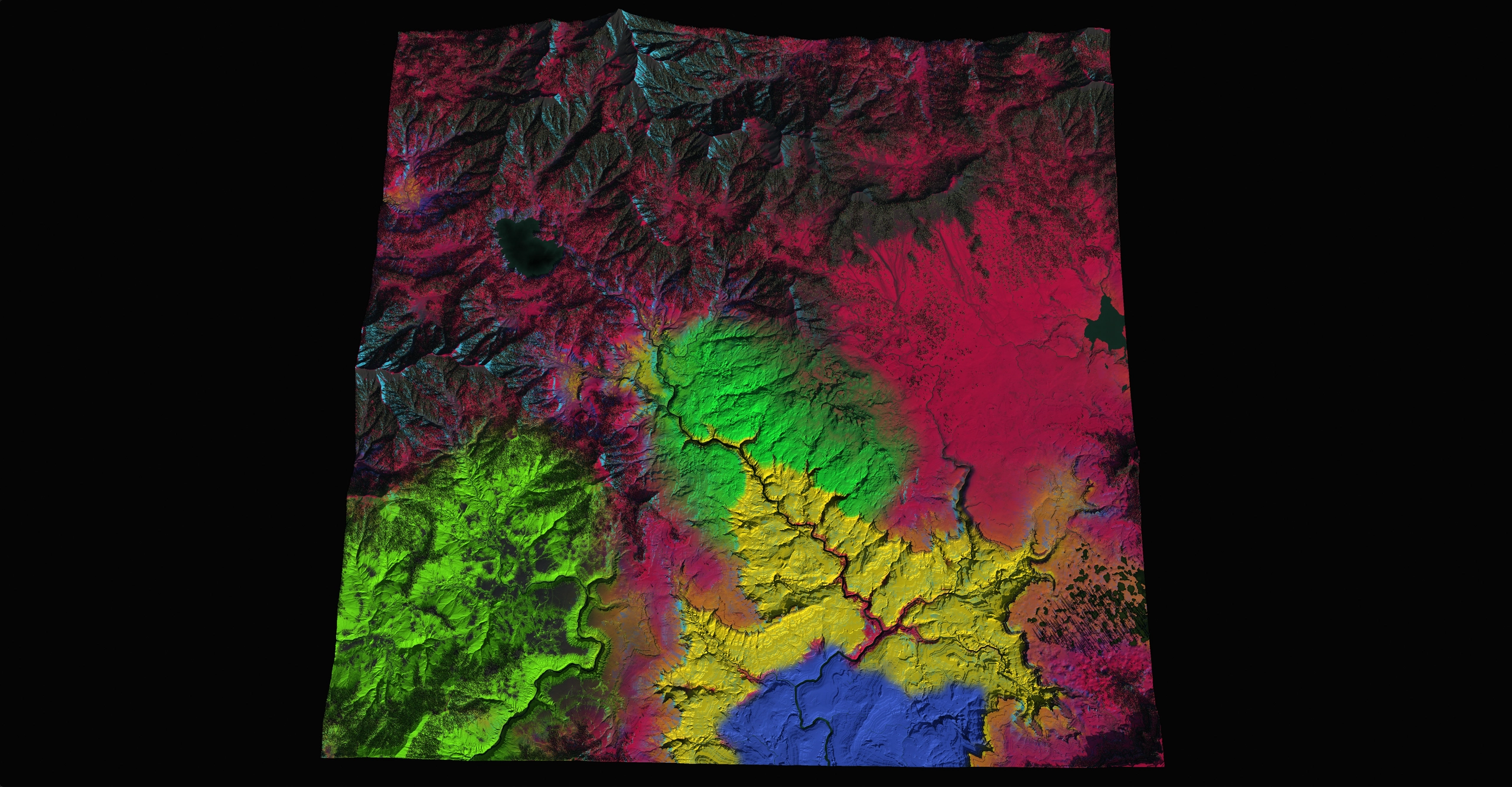
This large-scale world development will build on the upcoming God Mode in Gaea 2.4, and optimize the tooling to an entirely new level under the updated TOR Engine 3.0, which changes how we handle terrains internally.
Professional and Enterprise only
Simulations
- Sand Simulation
-
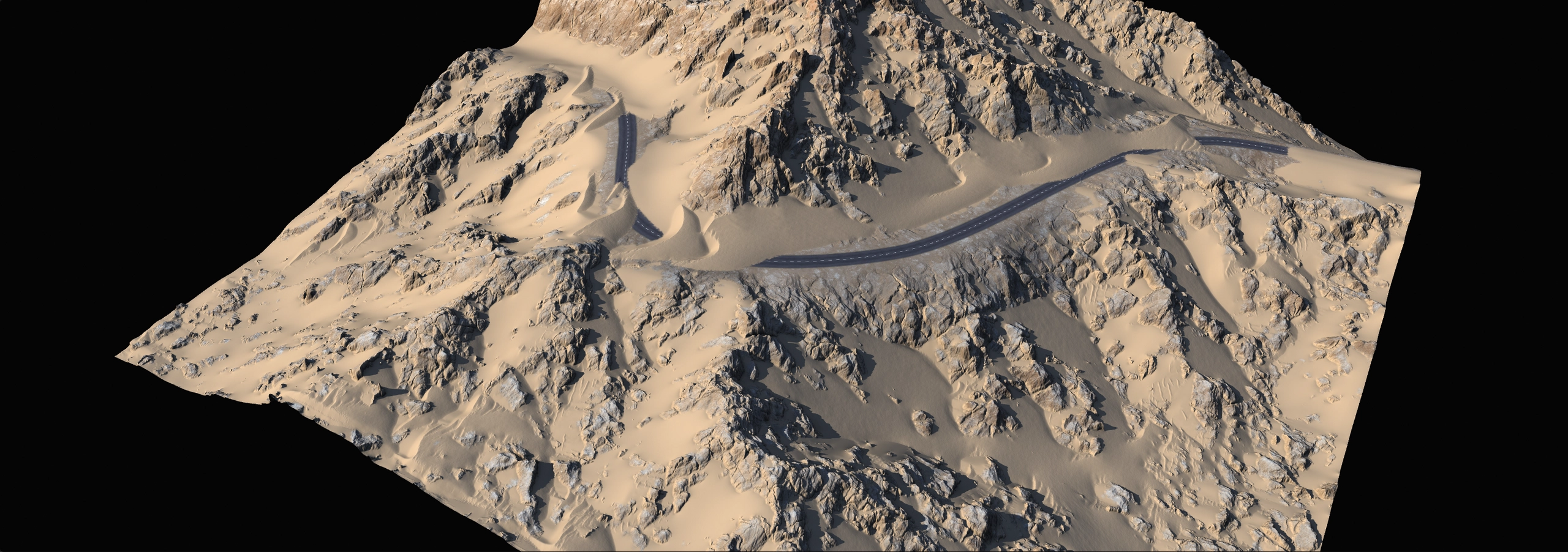
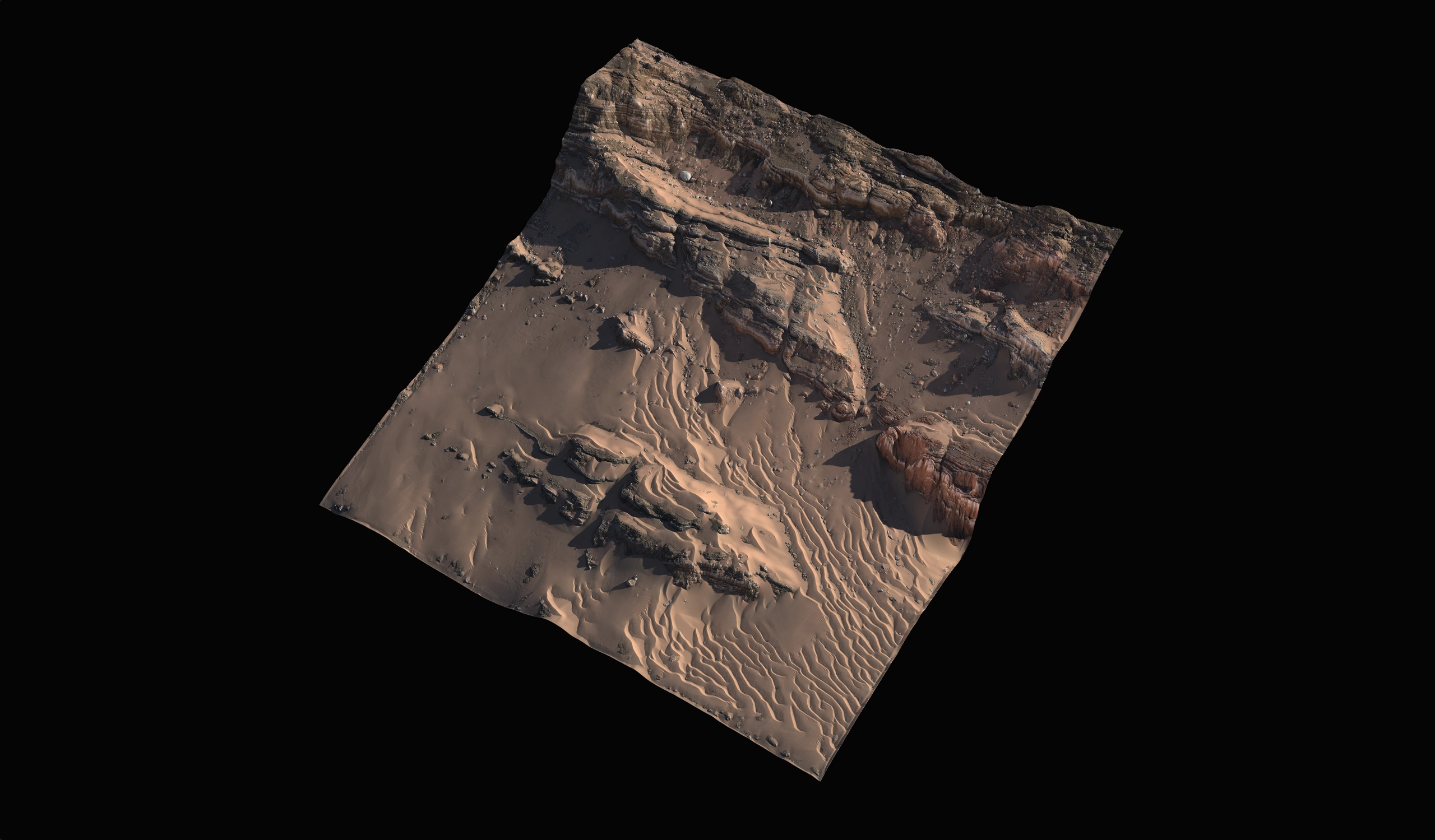
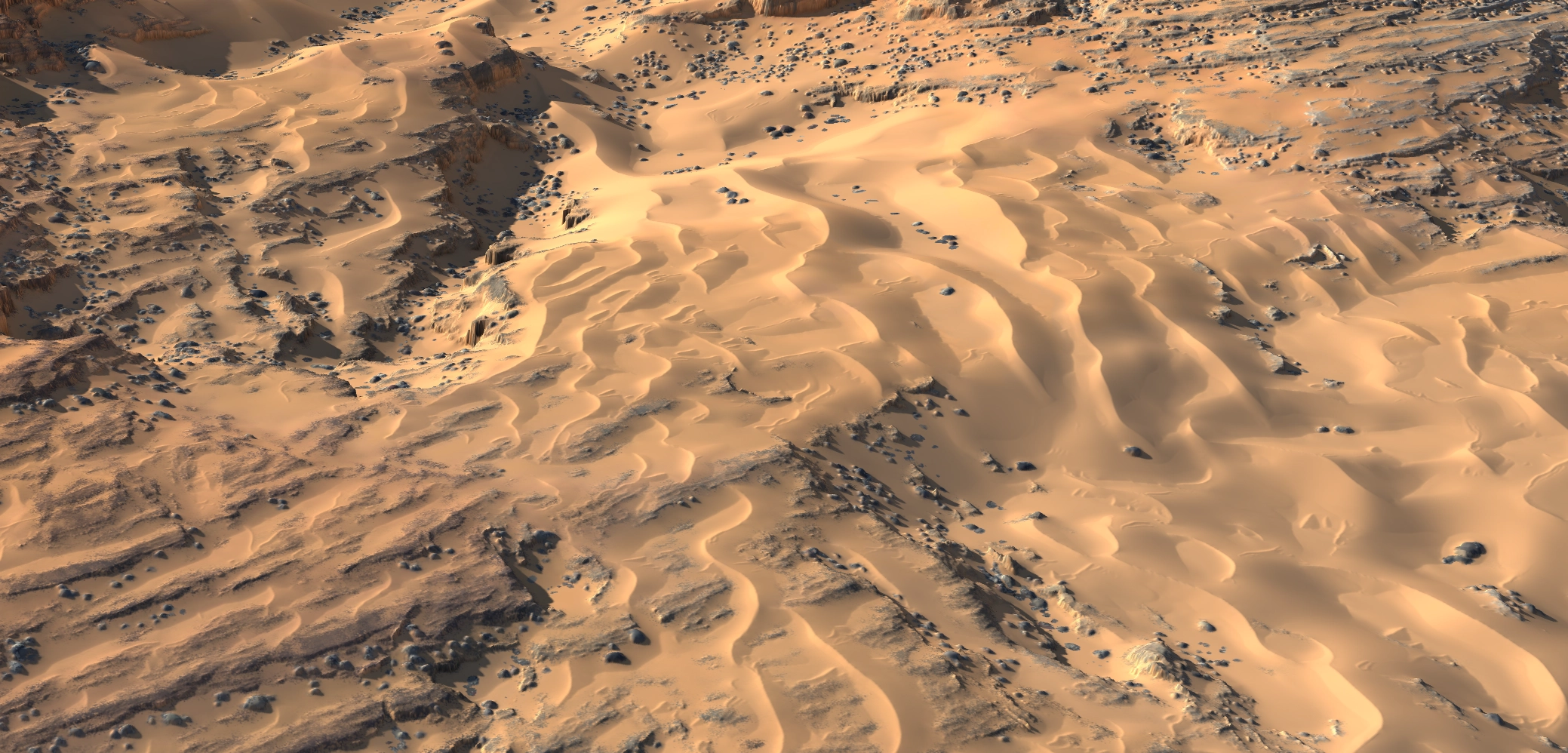
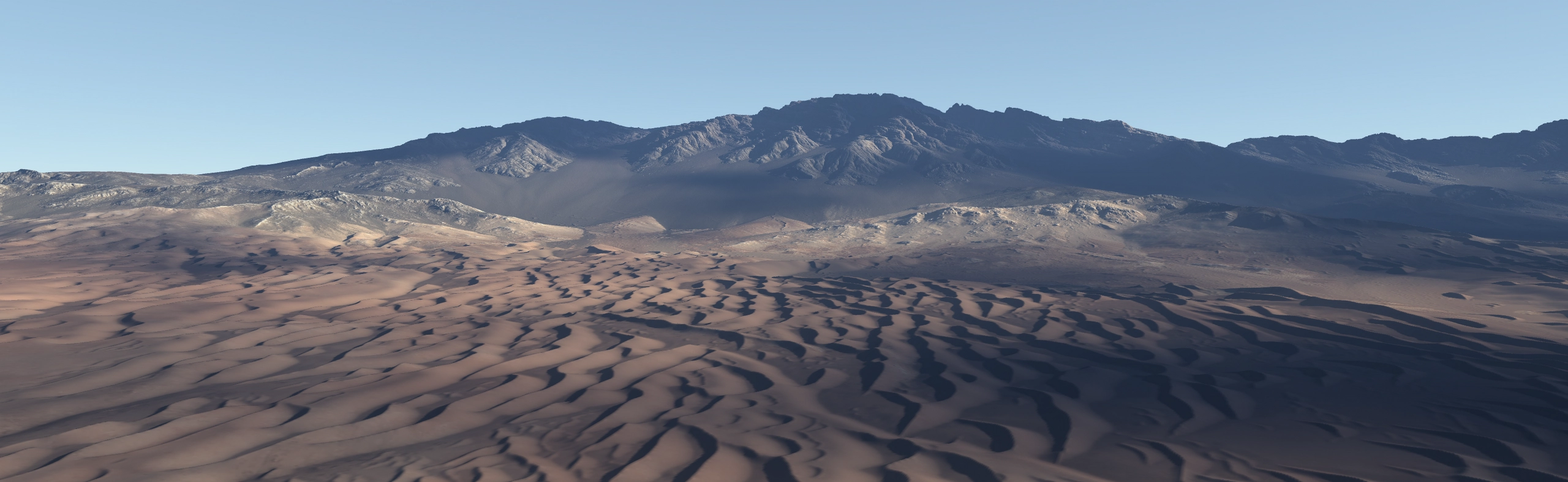
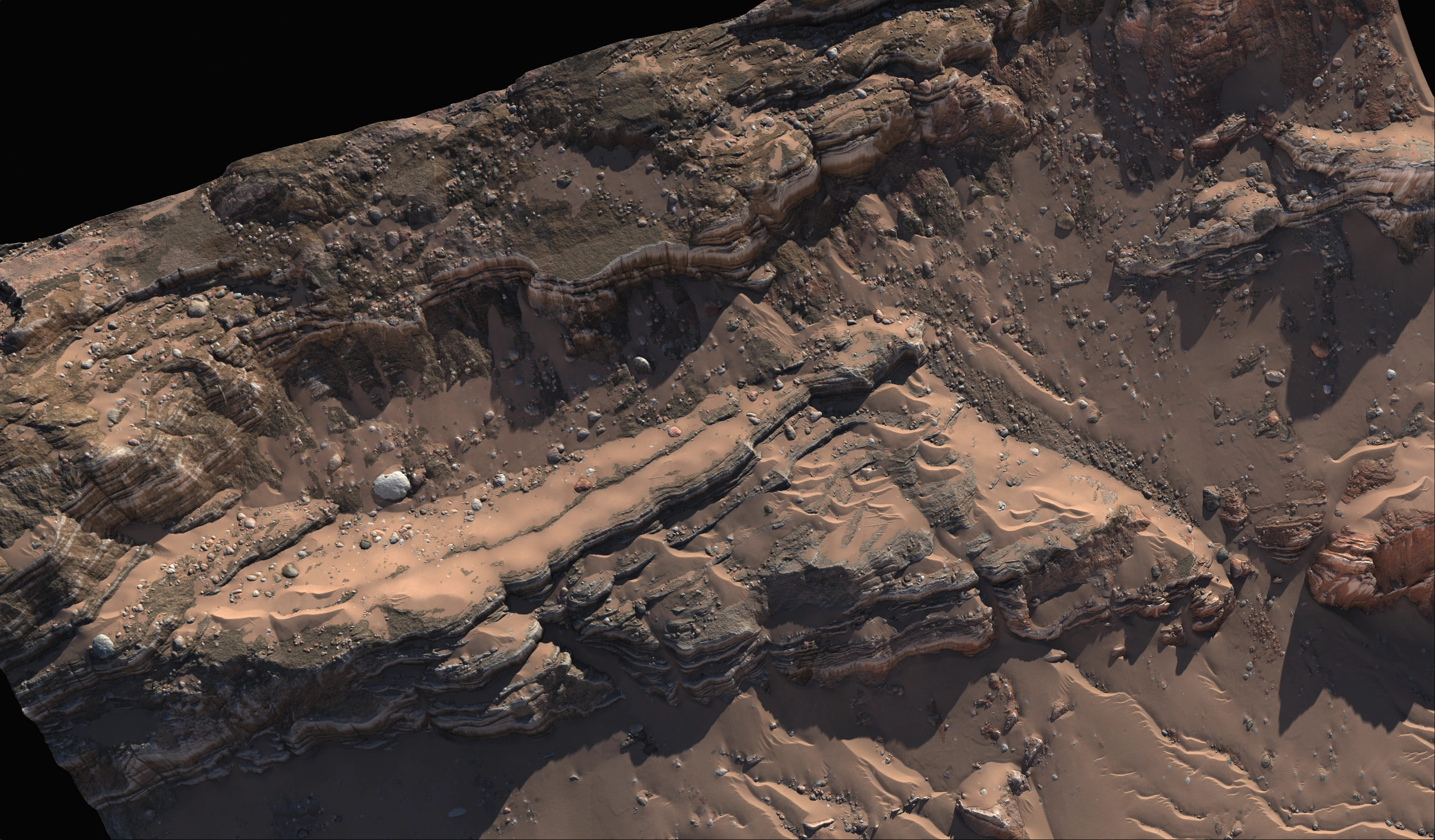
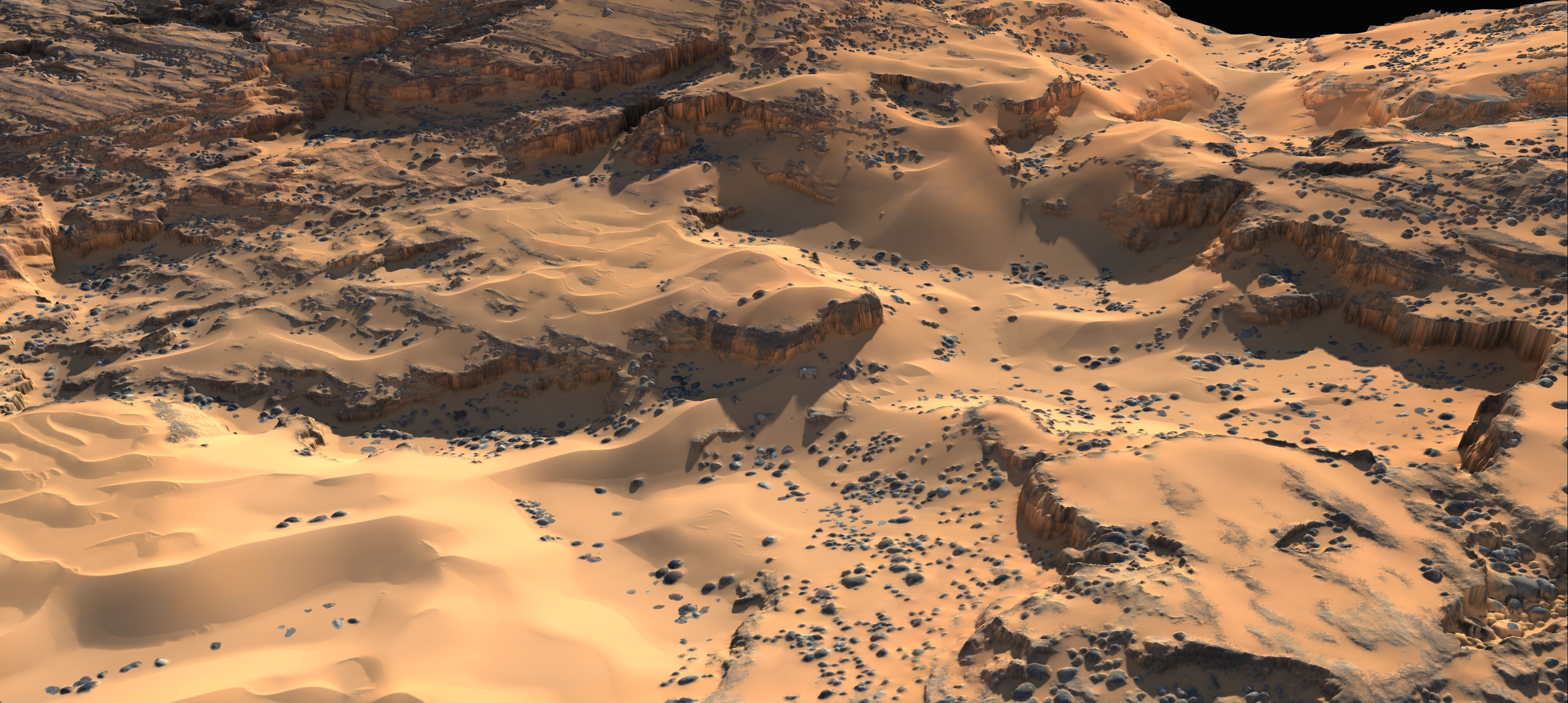
Gaea 3 introduces powerful sand simulation to terrain workflows. The high-performance sand solver has been specifically optimized for this purpose, giving you the flexibility to move from delicate, surface-level shifts to massive dunes spanning several kilometers.
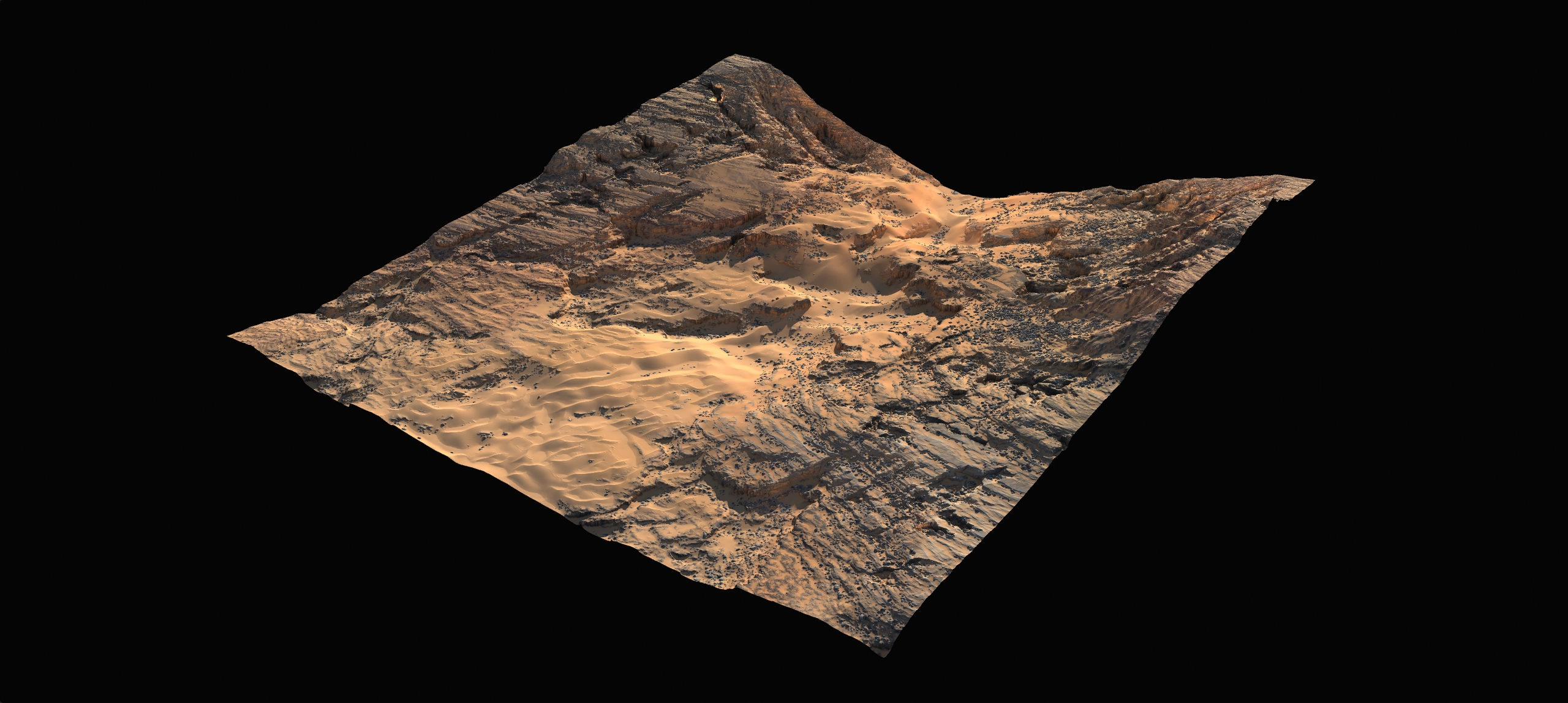
The simulation follows real-world physics to create believable sand formations, including ripples, dunes, and diverse aeolian features. Artists can shape the sand in a variety of ways by controlling wind direction, strength, and other environmental factors.
- Snow Simulation
-
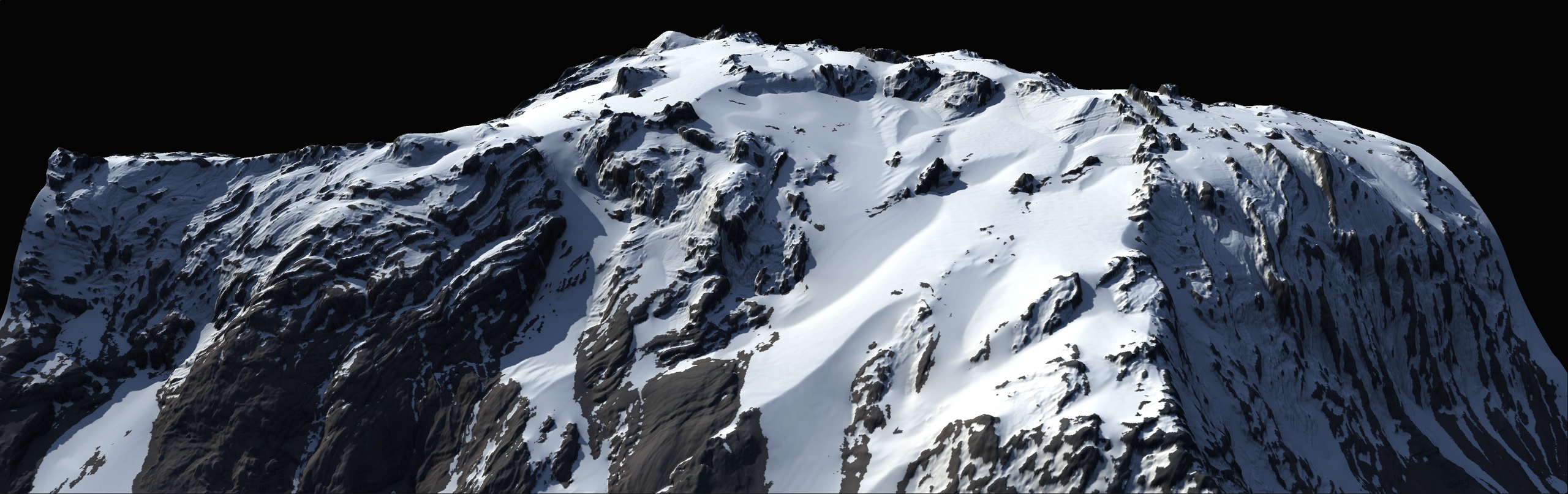
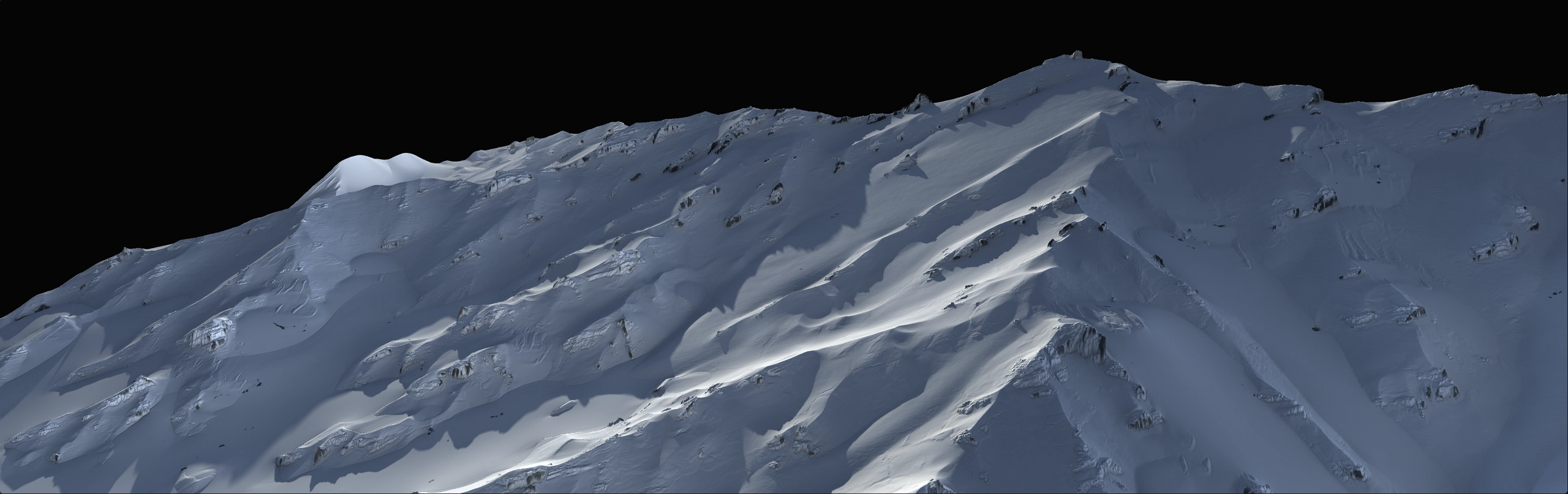
Our new physics engine brings a fresh approach to snow simulation. We’re currently developing several advanced snow tools that augment the existing suite.
- River Simulation
-
Gaea 3’s Rivers provides a perfect balance between drawing a river guide and procedurally generating a realistic, meandering river along that guide.
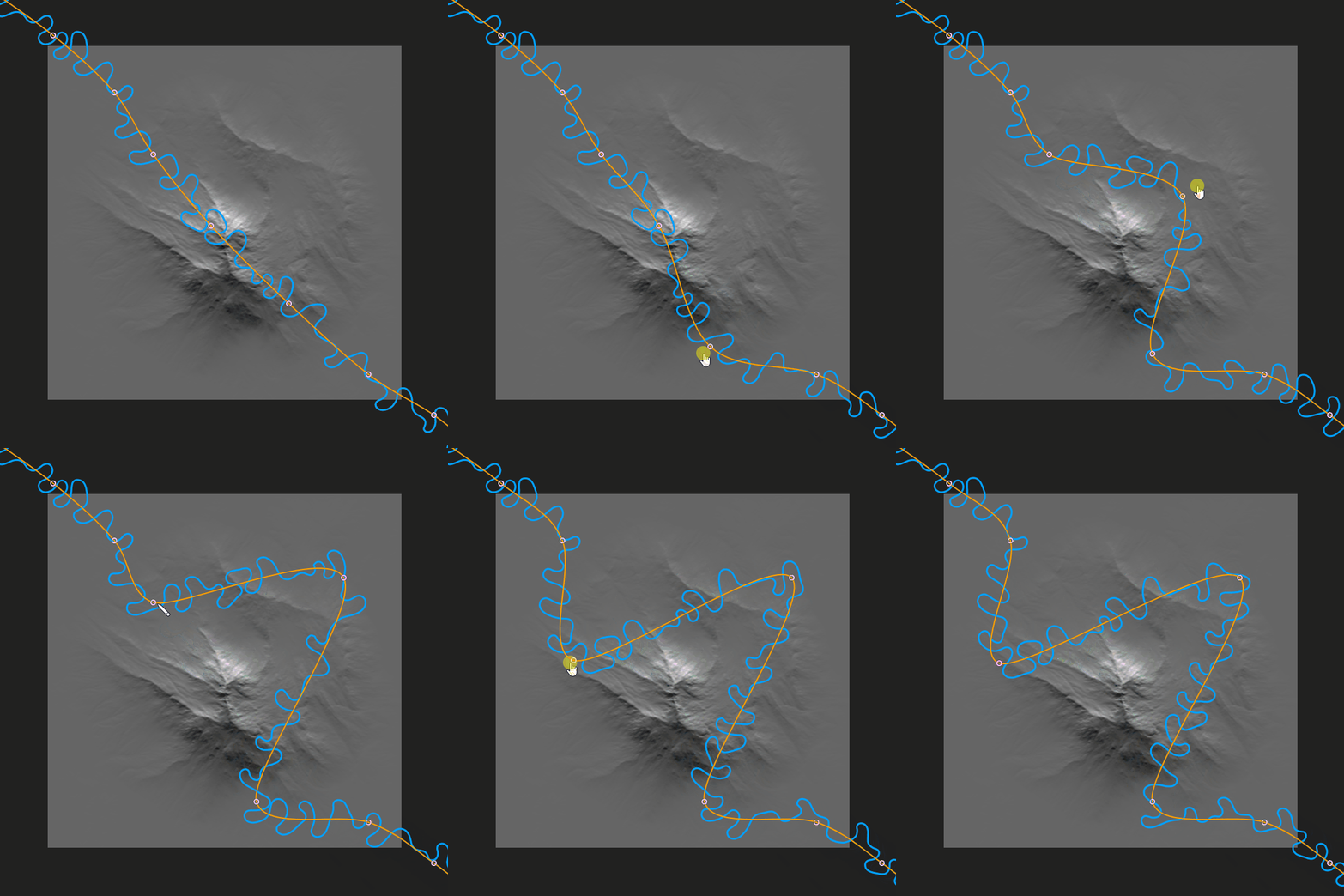
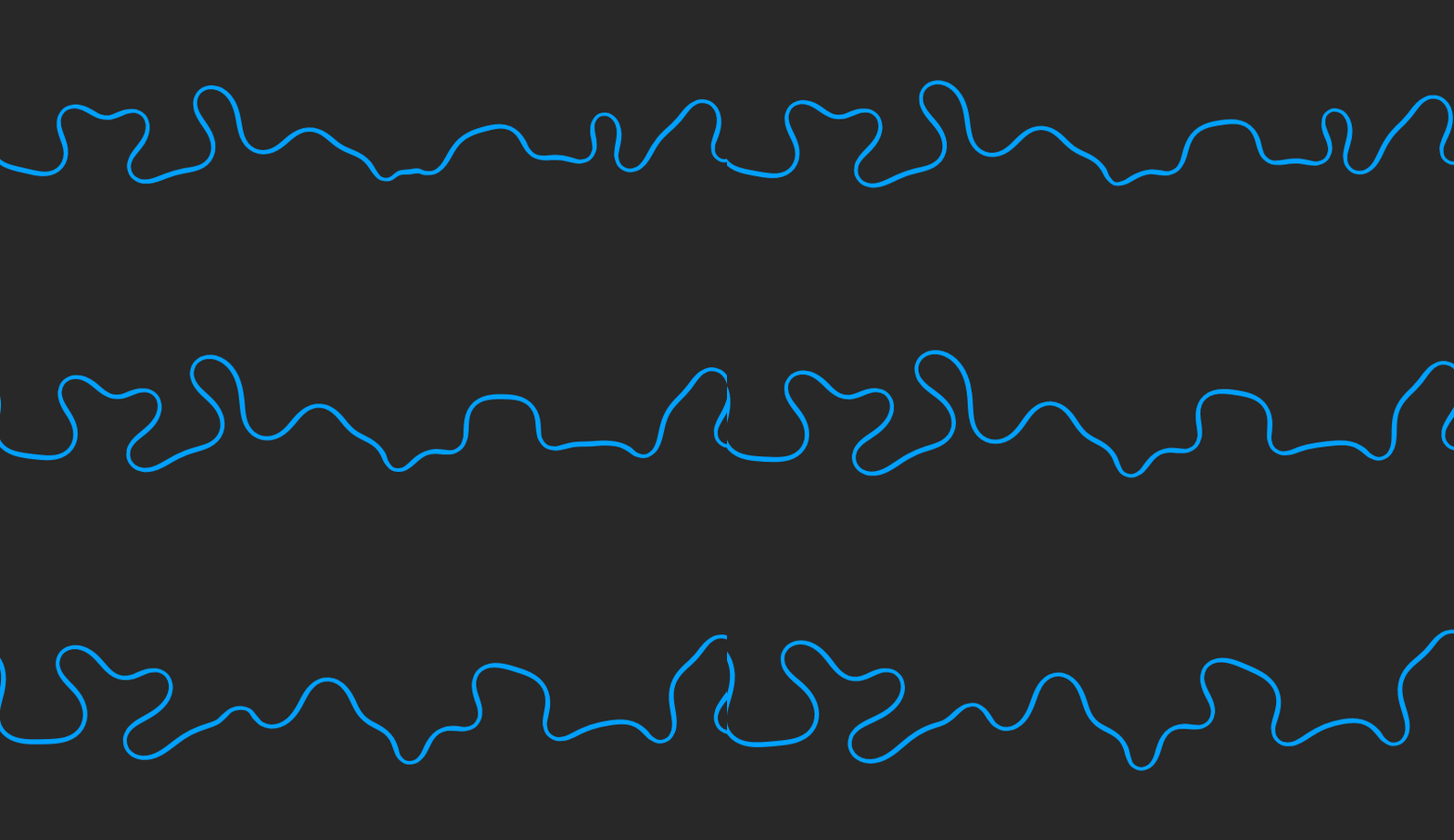
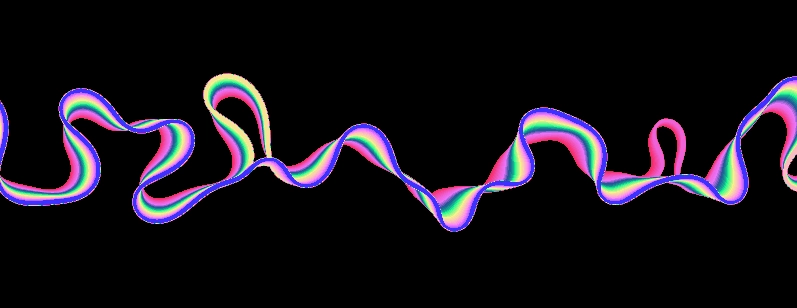
Our River simulation model uses real-world physics to generate a river, which includes a history of meanders for the river.
- Other Simulations
-
With the advent of the TOR Engine 3.0, and its new physics systems, our current erosion simulations will get innovative boosts and advances.
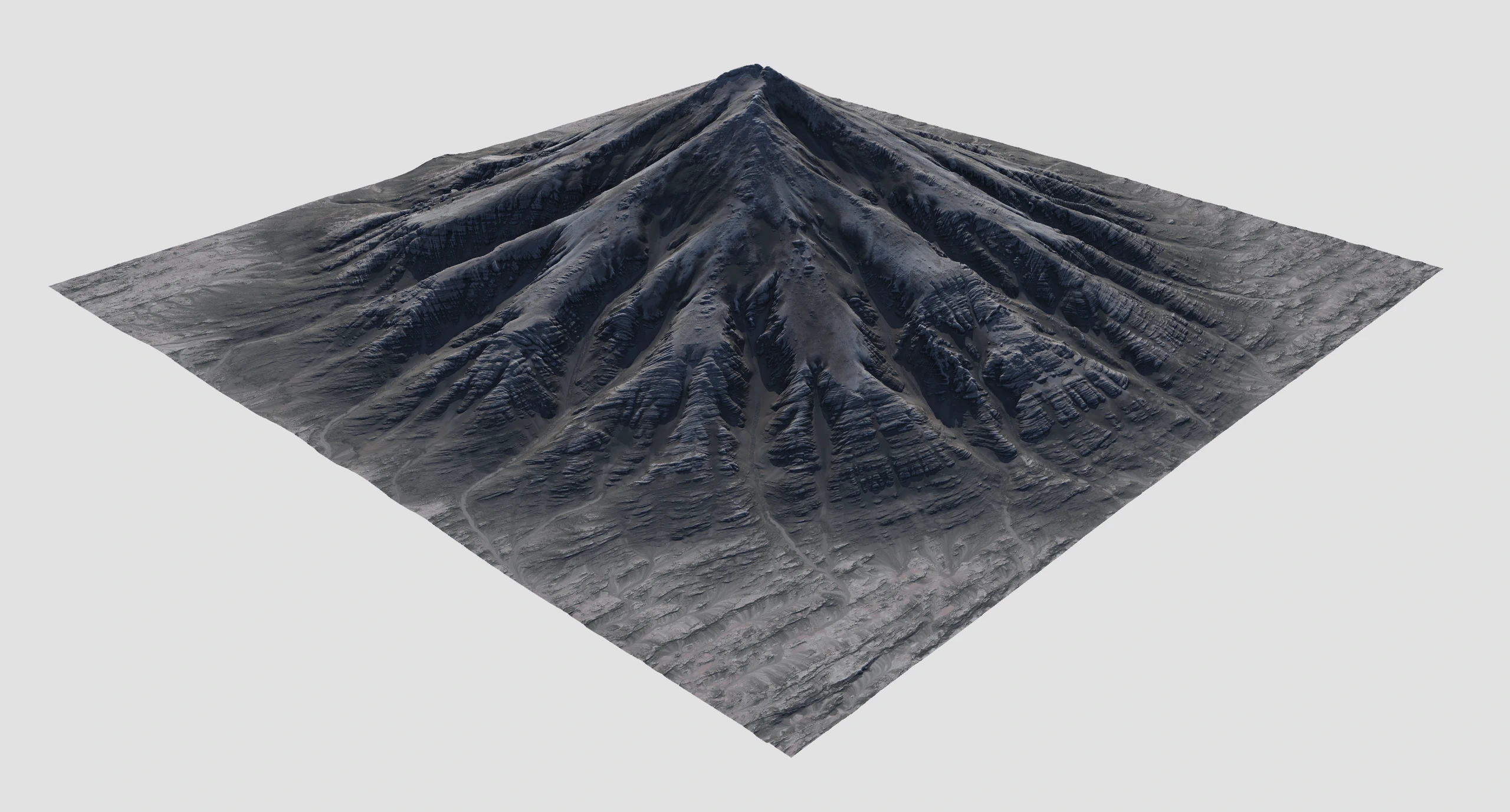
A brand-new version of Thermal Erosion is in development to create erosive patterns that are even more natural and realistic, delivering better shaping of features and improved sediment transport.
- EcoSystem Tools
-
We’ve elevated nodes like Trees and Shrubs by enabling layered ecosystems and precise control over how different ecosystems interact with each other and with external forces. You can combine multiple Dead Zones and introduce global water, sand, snow, and other elements directly into ecosystem interactions.
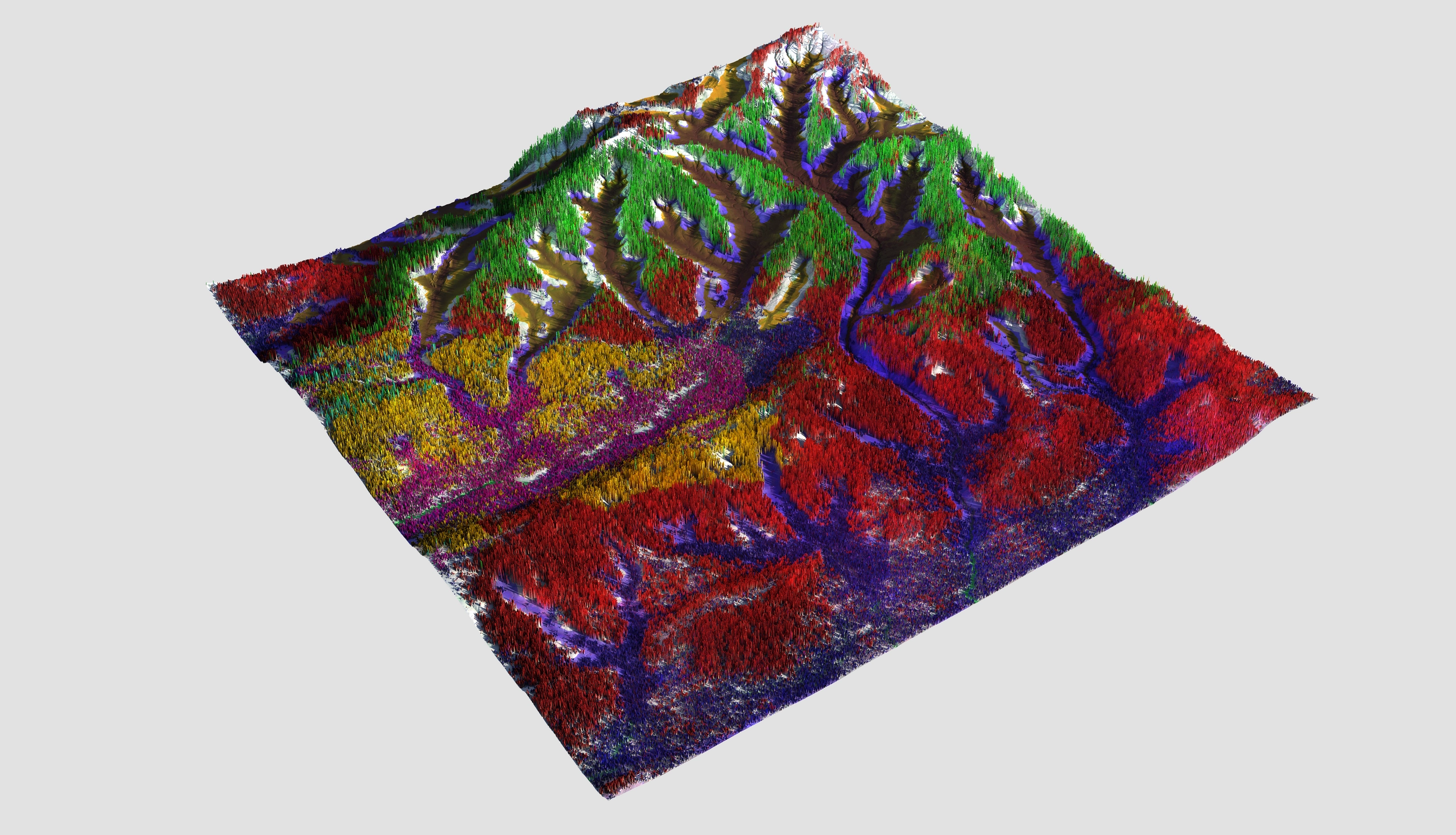
EcoSystems can be exported as area masks, precise point clouds, or as data to drive other nodes.
Color
- Mixer 3.0
-
Mixer in Gaea 2 simplified combining and managing multiple color sources. In Mixer 3.0, we’ve taken this even further by bringing color generators—such as SatMaps, Synth, and more—directly into Mixer itself. This reduces the number of nodes you need to manage and lets you quickly swap between options.
By combining all common tasks in a single element, you save large quantities of RAM during high resolution builds. For example, if a 15-node setup takes 3.8GB, the same setup in the new Mixer would require less than 1GB of RAM.
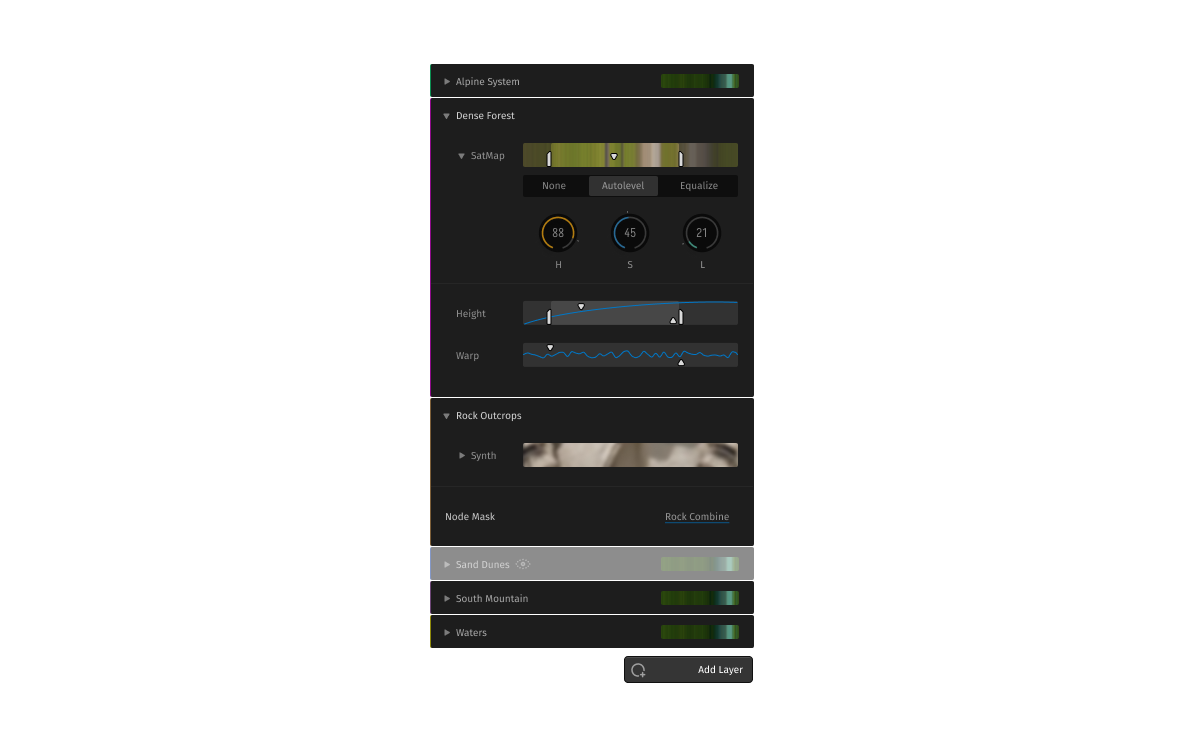
Beyond memory savings, Mixer also reduces guesswork and visual clutter. Instead of having to trace through multiple nodes to see how colors are being combined, you can see everything in one place.
All nodes, such as SatMaps and Synth, still exist in their original form, so you can create colorization graphs with these nodes just as you have since Gaea 1. Mixer 3.0 simply serves as an effective adjunct tool to help you manage complex worlds.
- Color Grading Support
-
We’re adding professional color grading support through OpenColorIO (OCIO) integration. You can work in ACES or your desired color space, apply LUTs, and ensure color accuracy throughout your workflow.
Professional and Enterprise only
Workflow
- Renderer 3.0
-
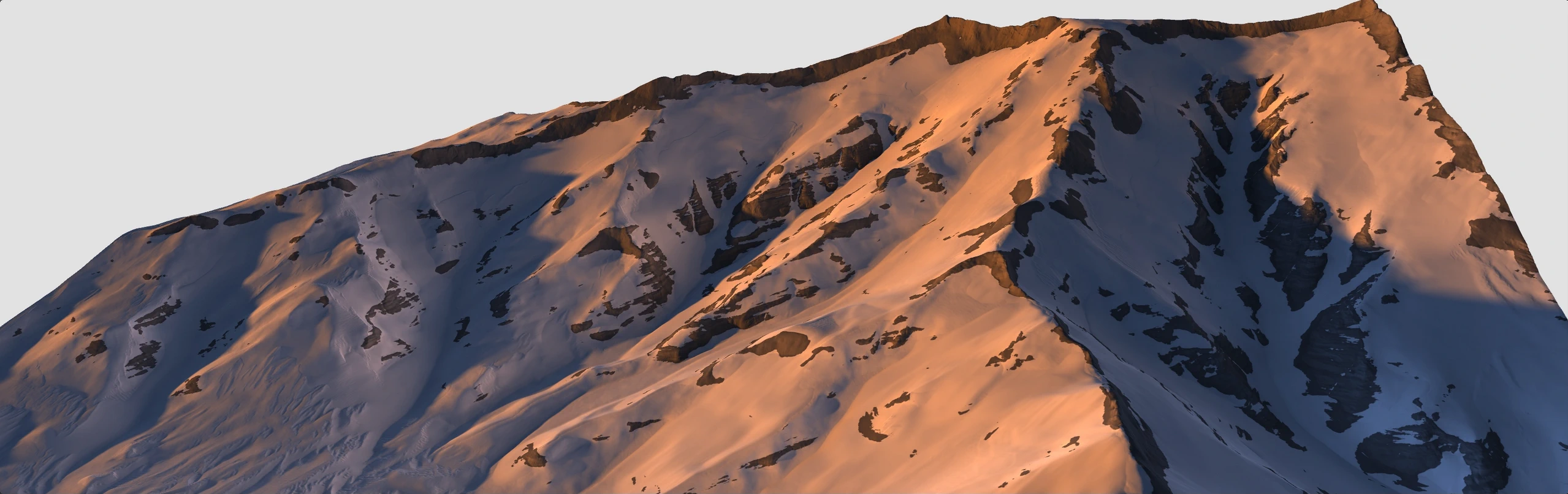
Gaea 3 presents a new large-scale GI model expressly tailored for 2.5D terrain. It can bake or export GI with extremely fine detail—far beyond what conventional renderers can achieve.
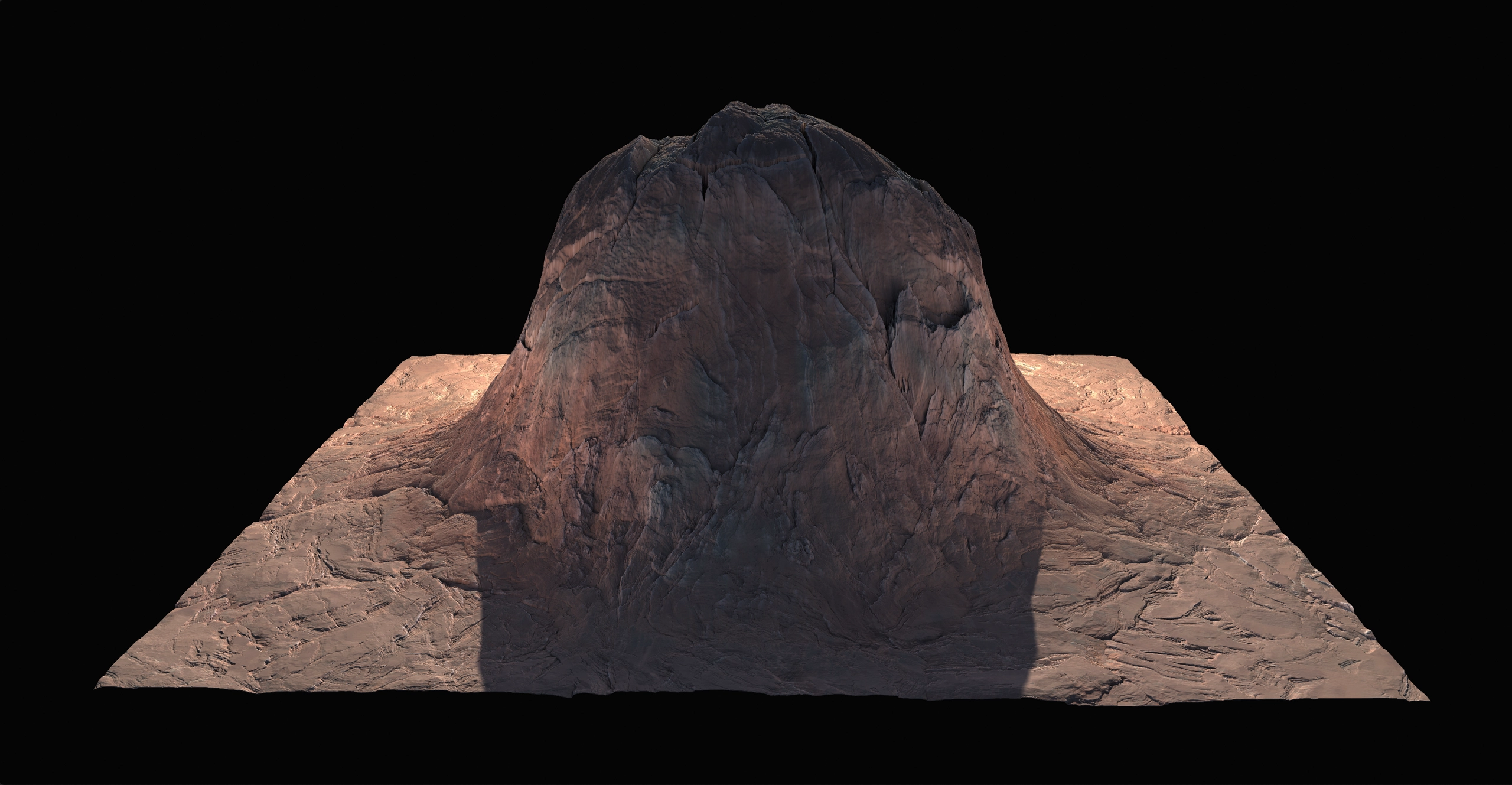
While most GI systems are optimized for small or medium scenes, Gaea’s GI is purpose-built to handle massive landscapes with accuracy and efficiency.

- Progressive Previews
-
Working with large terrains can be challenging—especially when it comes to previews. Gaea 3 introduces Progressive Previews, letting you see a low-resolution version of your terrain almost instantly, which then refines progressively as you work.
- Improved Mask Visualization
-
Traditionally, Gaea allows you to view masks one at a time. Now, when working with multiple outputs, you can quickly switch between masks and also overlay several at once for easier comparison.
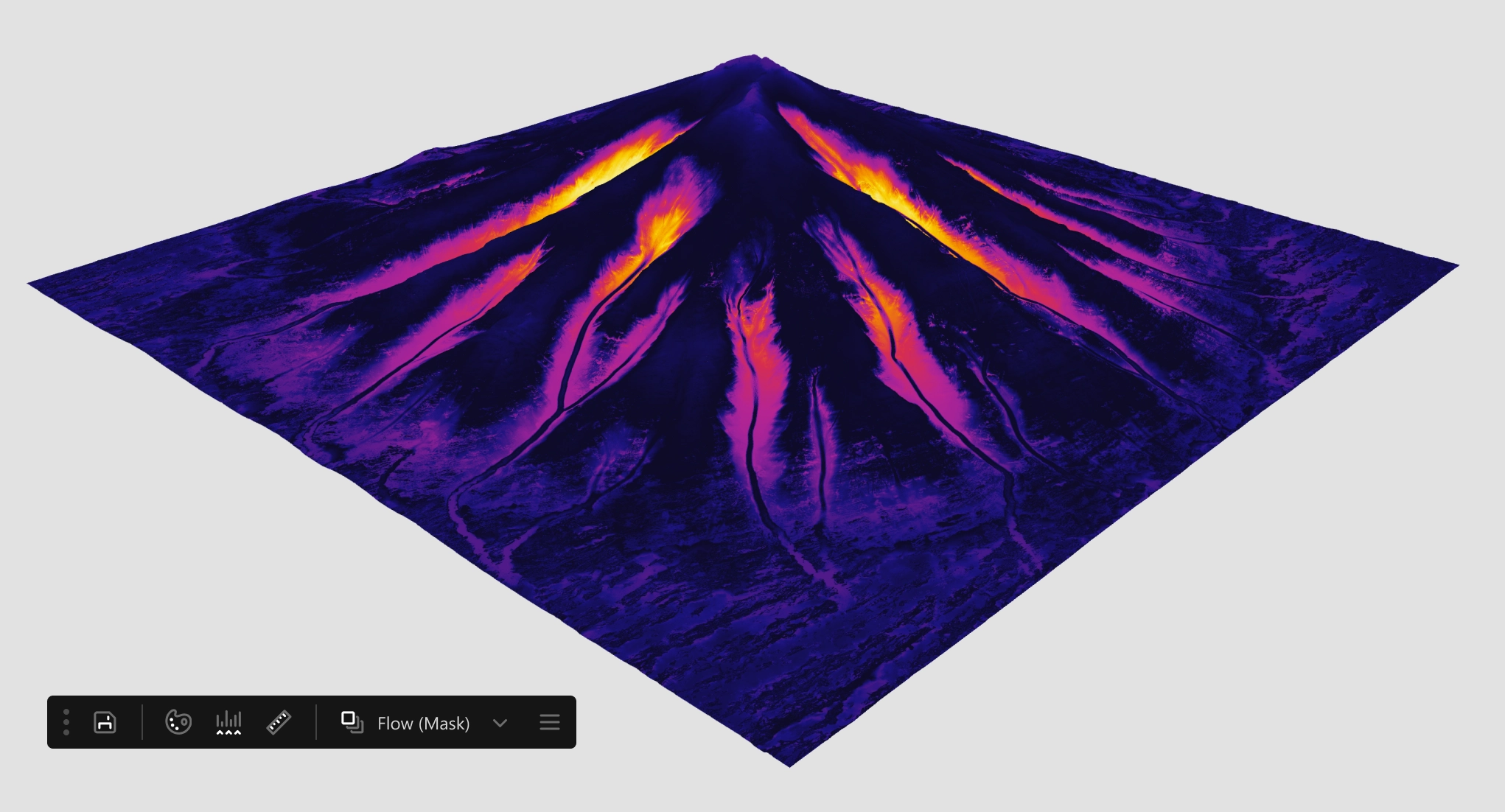
Even more significant, the new micro-data visualization mode lets you visualize extremely subtle values without having to modify the mask, giving you a far more precise understanding of what’s happening in your data.
- Command Bar
-
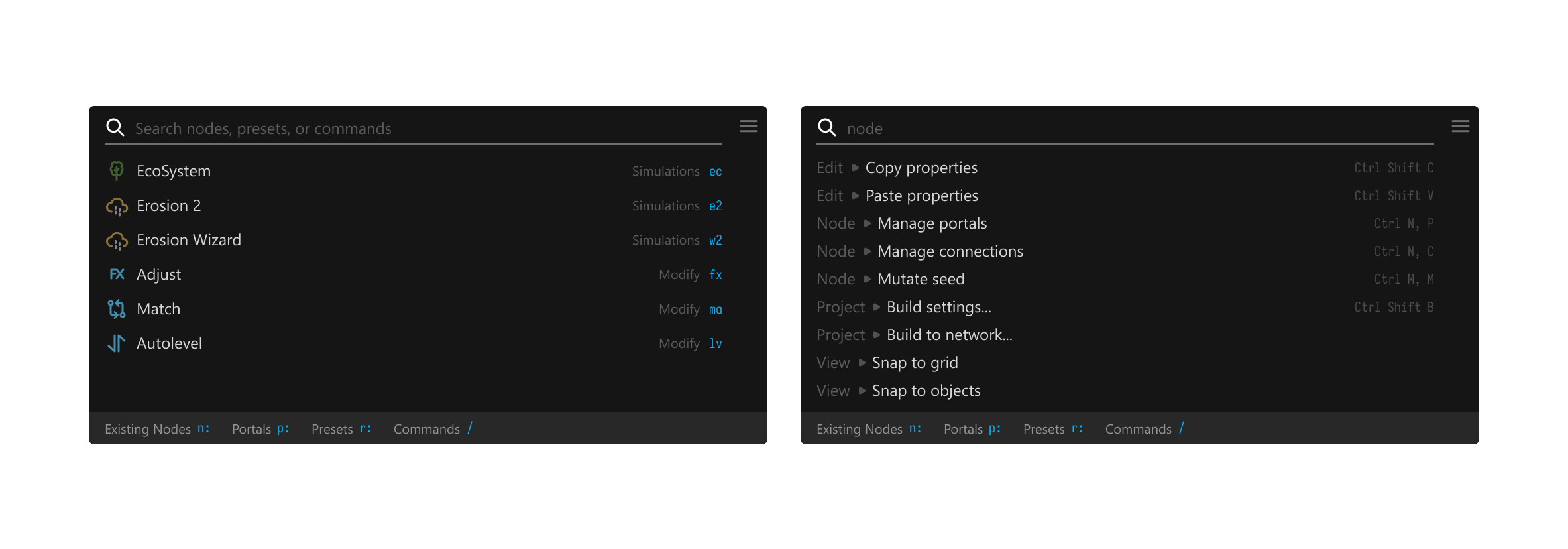
The globally available Command Bar can be used for just about any task. You can execute a command, create a new node, search for an existing node, search for portals, navigate variables, and even set Gaea preferences directly with one click!
- Context-Sensitive UI
-
The context-sensitive toolbar lives directly inside the graph but can be repositioned anywhere in the window. Its commands update automatically based on what you select — nodes, connections, ports, sky editor, and more — ensuring the right tools are always at your fingertips.

- Improved Start Experience
-
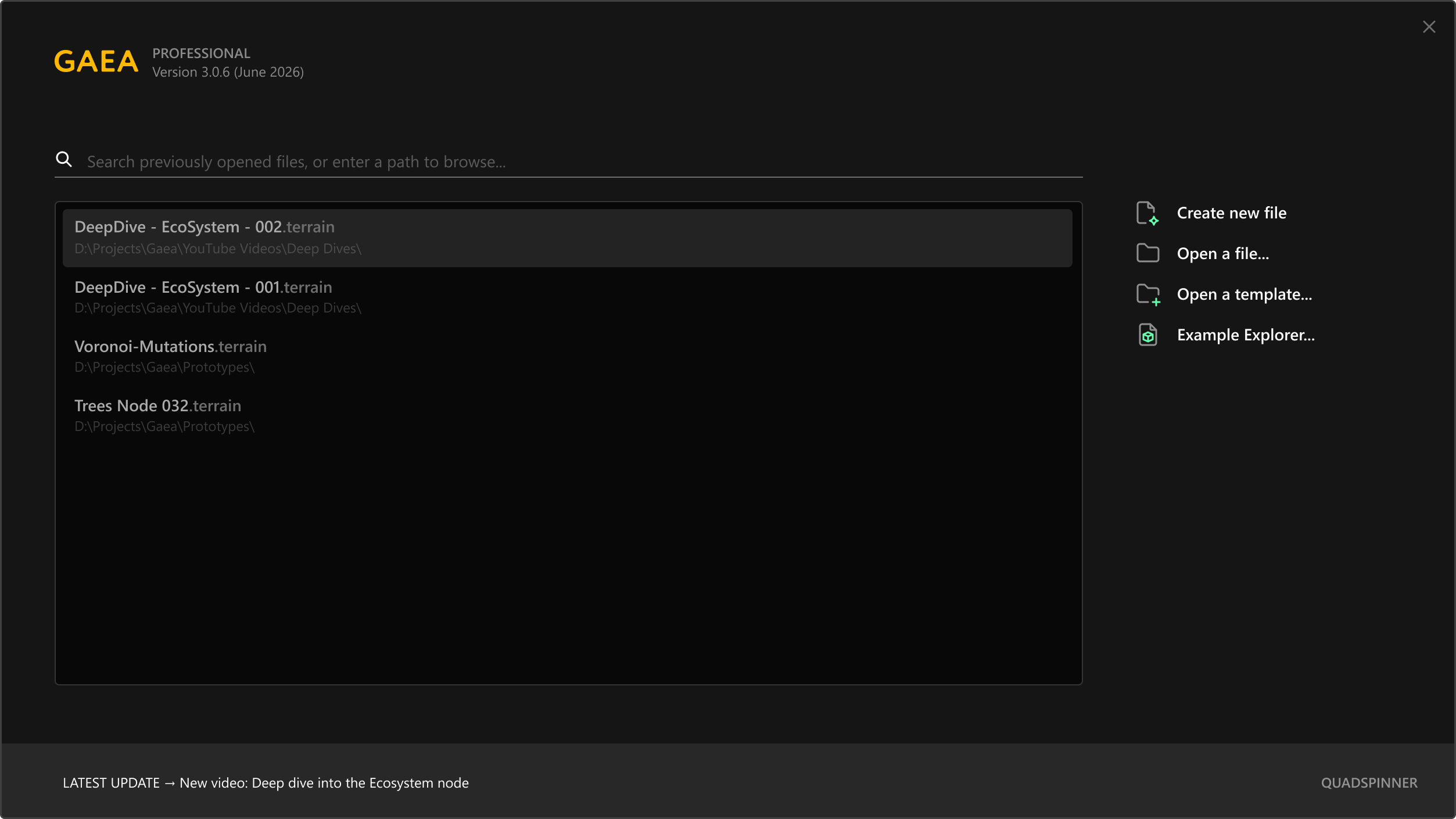
The Start dialog has been redesigned to put your files front and center. Now you can quickly search for files, access your complete file history, and even browse folders directly in Search.
New Template collections let you save your own quickstarts and share them with friends and colleagues.
These updates also tie into the new Gaea file format, which will allow built-in versioning, file recovery, and more.
- Redesigned for Multiple Screens
-
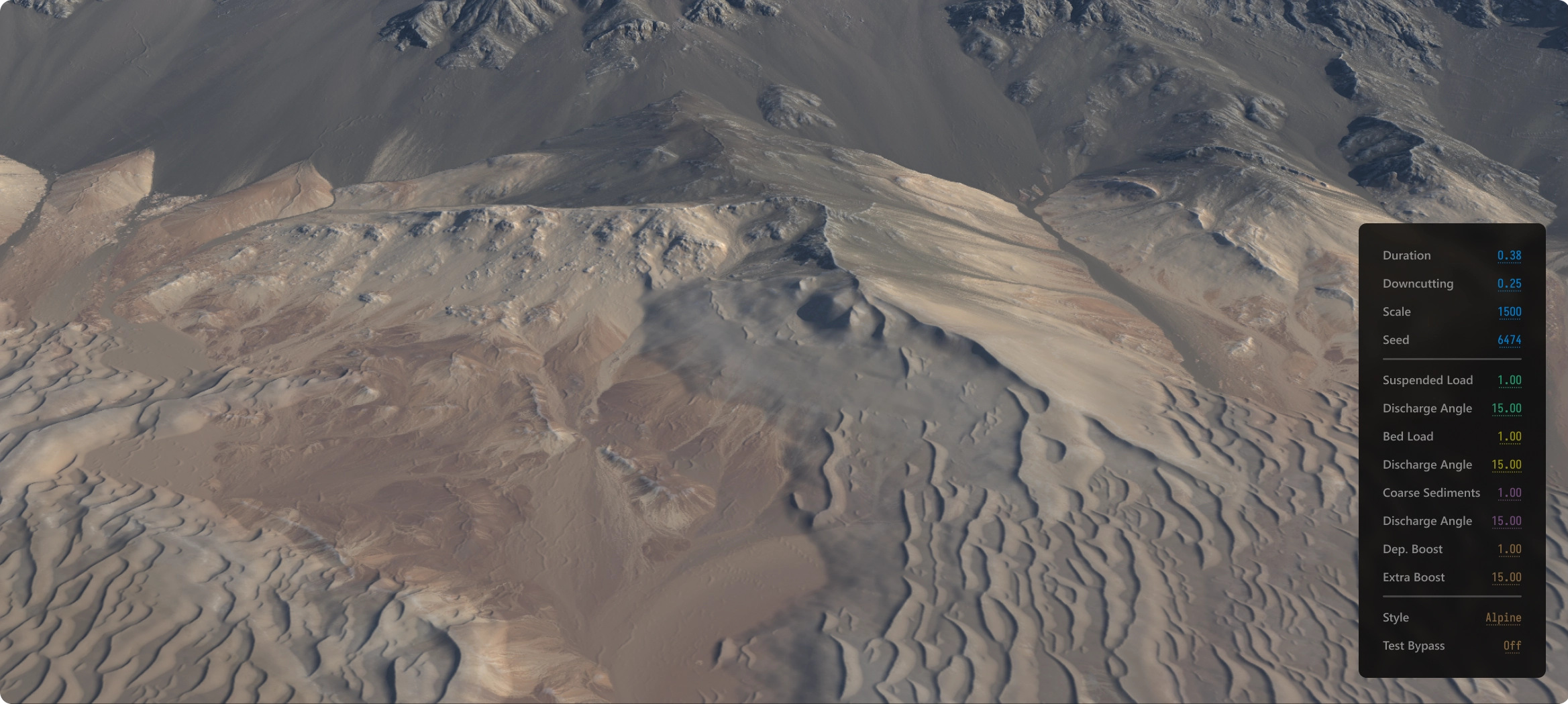
For users who work with dual monitors and prefer the preview on a dedicated screen, we’ve redesigned the entire viewport system to deliver a far more optimized experience. With the new HUD mode, key properties can appear directly inside the viewport, so your eyes don’t have to dart between multiple monitors.
- Localization
-
To make Gaea accessible to artists around the world, we are localizing the entire application.
Gaea 3 will support Chinese (Simplified), French, German, Japanese, Korean, and Spanish out of the box.
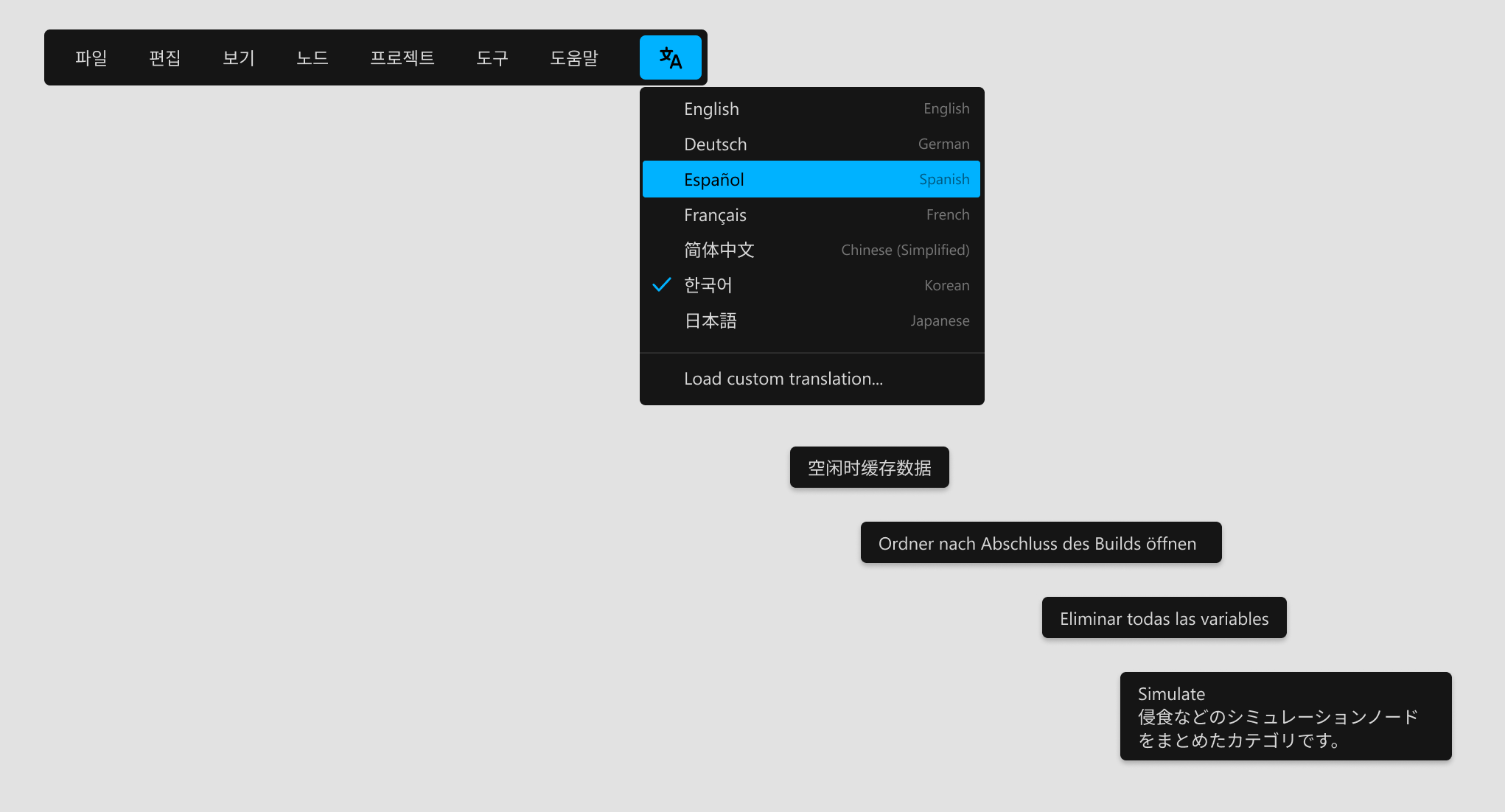
We will use open-standards for localization, so the community can contribute translations for other languages as well.
- Improved Graph
-
We are revamping how graphs work and can’t wait to show you a set of innovative new features early next year. Stay tuned!
- Version Control
-
Gaea 3 updates the .terrain format to include built-in versioning support. Now you can track changes to your files, revert to previous versions, and manage different versions of your terrains directly within Gaea.
A single project file can contain multiple terrains and multiple versions of each terrain.
Professional and Enterprise only - New Viewport
-
Gaea 3 will deliver a brand-new, home-brew viewport written from scratch to visualize terrains and terrain data.
This viewport will provide up to 8K previews that will allow you to explore your terrain in full resolution detail.
- Customizable UI
-
Do you prefer to have the Properties on the left side? Or maybe you want the viewport and graph to be side-by-side?
Gaea 3 will have a customizable interface where you can reconfigure the layout to your needs.
- Compact UI
-
Introduced as an experimental feature in Gaea 2, the Gaea 3 Compact UI reduces negative space and compresses controls and tool surfaces to maximize the area for your graph and viewport.
Advanced
- 2.7D Displacement
-
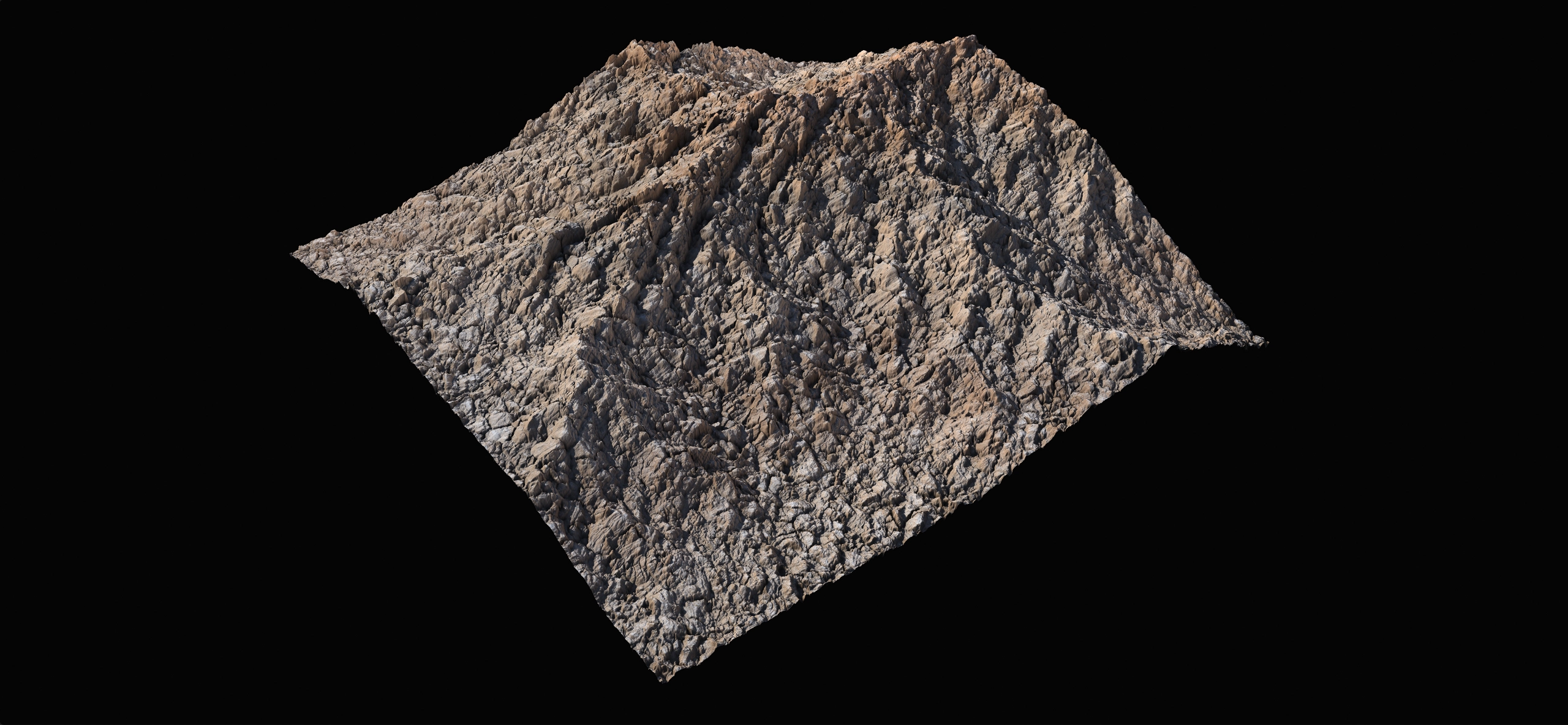
Gaea 3 debuts a revolutionary 2.7D Displacement system that provides unprecedented detail and realism in terrain rendering. These new tools let you break out of the 2.5D space while still allowing the terrain to be repackaged as 2.5D data, preserving fully agnostic heightfields.
Triplanar Displacement tools open new opportunities for your terrains.
- Snap-Ins
-
Snap-Ins introduce a convenient new way to enhance node behavior. They let you extend the capabilities of existing nodes without requiring extra nodes or cumbersome processing. A Snap-In can be highly specialized—such as adding new Inhibitors to the Tree node—or more universal, like enforcing a fixed build resolution on any node.
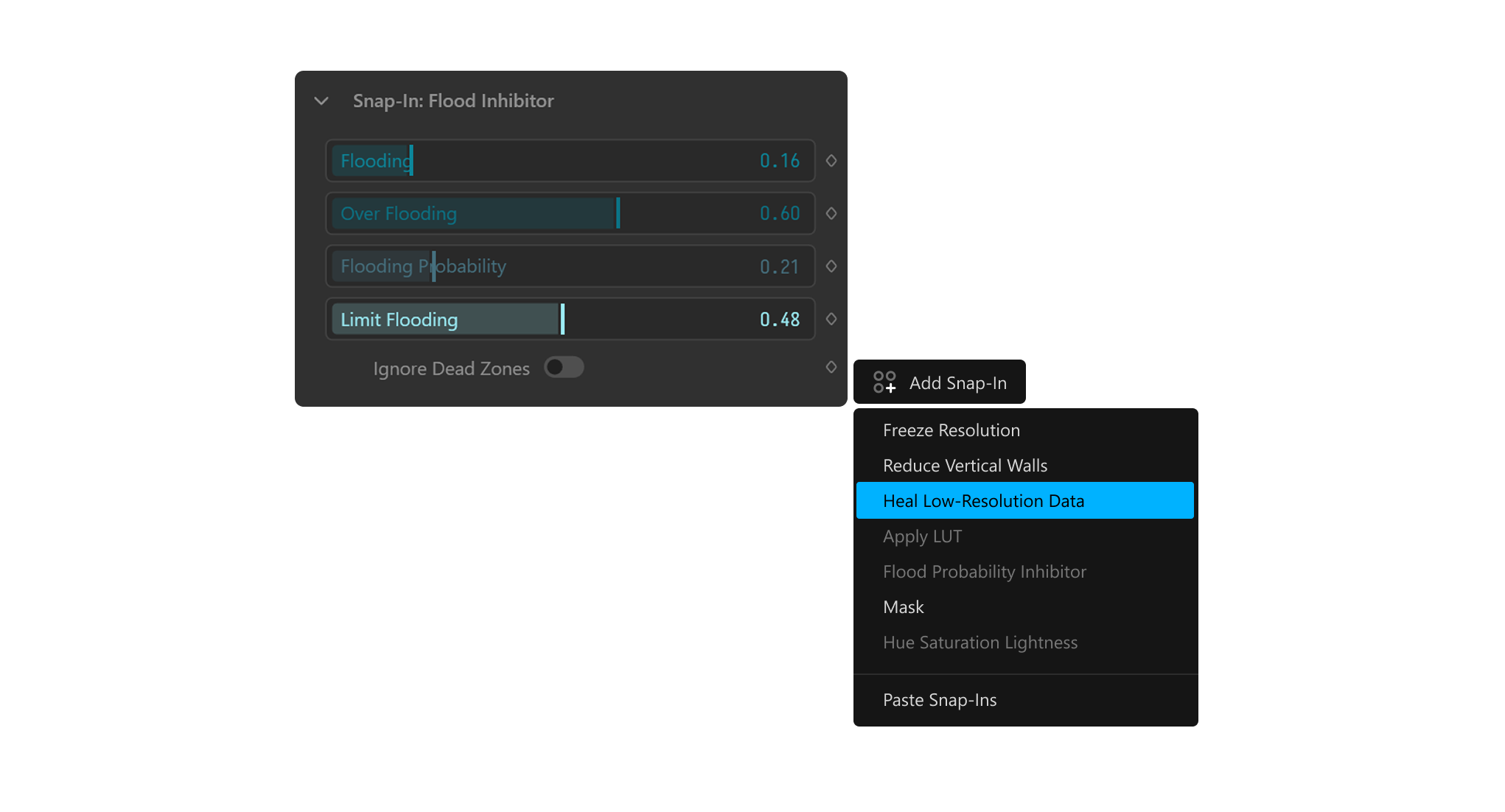
While Snap-Ins may feel like Modifiers, they work very differently. Modifiers operate as a post-process, but Snap-Ins have direct access to a node’s internal data and, when allowed, can be interjected at various points in the algorithm. This creates deeper, more efficient customization.
With the upcoming Gaea SDK users will be able to inject custom functionality directly into Gaea’s existing nodes through Snap-Ins.
Pipeline & Extensibility
- USD Support
-
Gaea 3.0 introduces native support for USD (Universal Scene Description) files, allowing seamless integration with other 3D applications and pipelines that utilize USD.
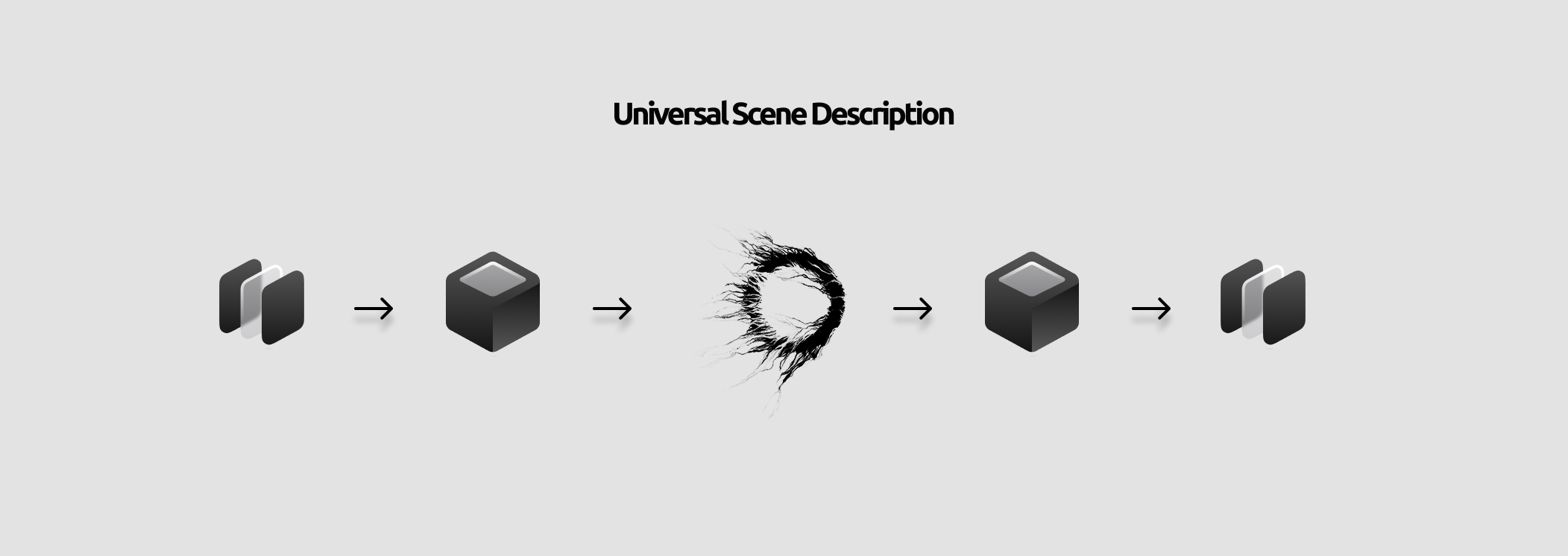
You can now import and export terrains in USD format, preserving all terrain data, including heightmaps, masks, and other attributes.
Roundtrips become easier than ever, and you can integrate Gaea into larger production pipelines that rely on USD for asset management and interchange.
Professional and Enterprise only - SDK
-
The long-awaited Gaea SDK is finally in development. This SDK will allow third-party developers to create custom nodes, tools, and extensions for Gaea.

The SDK is written in C# and provides all the modern facilities of the language, along with deep integration with Gaea's own core libraries which will allow you to run code on the CPU and GPU with ease.
- What does a Gaea node look like?
Interested in more? Watch our presentation at Microsoft .NET Conference or read this blog post.You can also create custom processes and simulations in C++ and call them from your C# code.
Professional and Enterprise only - Plugins
-
Version 3 will finally introduce plugins for 3dsmax, Blender, Maya, and Unity as well as major upgrades for the existing plugins for Houdini and Unreal.